Linux Fundamentals

The Linux skills every infrastructure engineer needs, taught without assuming you already know them. Covers the file system layout, users and permissions, systemd service management, process control, networking with ip and ss, package management across distros, shell scripting, and the small set of commands that actually solve real problems. Built as a structured series so you can work through it in order or drop into any topic on demand. Whether you are sitting an RHCSA exam, preparing for a Linux admin role, or just tired of copy pasting commands you do not understand, these guides turn reference documentation into working knowledge.

IP Addressing Explained: Public vs Private, Subnetting & Interview Questions

IP Addressing Explained: Public vs Private, Subnetting & Interview Questions

Built for people who are learning networking the real way: by breaking stuff, fixing it, and doing it again. From the field: I have seen engineers push a full /16 network for a single web service because it was the default in the Azure template they cloned. Understanding IP addressing is not optional — it […]

IP Addressing Explained: Public vs Private, Subnetting & Interview Questions Read More »

An open hard drive is displayed on a wooden surface, showcasing its internal components and metallic details.

Linux Disk Space: How to Find What’s Eating Your Storage (df, du, lsblk)

The Outage Nobody Saw Coming Disk full. Two words that have caused more production outages than most people realize. Applications crash, databases corrupt, logs stop writing—all because nobody was watching disk usage. Disk management isn’t glamorous, but it’s essential. Knowing how to check space, find what’s consuming it, and manage storage is fundamental sysadmin work.

Linux Disk Space: How to Find What’s Eating Your Storage (df, du, lsblk) Read More »

Red backlit keyboard and code on laptop screen create a tech-focused ambiance.

Linux Text Processing for Sysadmins

The Power Trio of Text Processing Logs, configs, and data outputs are all text. The ability to search, filter, and transform text efficiently separates those who manually copy-paste from those who process gigabytes of logs in seconds. grep finds. sed replaces. awk structures. Together, they’re an analytical powerhouse that’s been solving problems since before most

Linux Text Processing for Sysadmins Read More »

Close-up of a computer monitor displaying cyber security data and code, indicative of system hacking or programming.

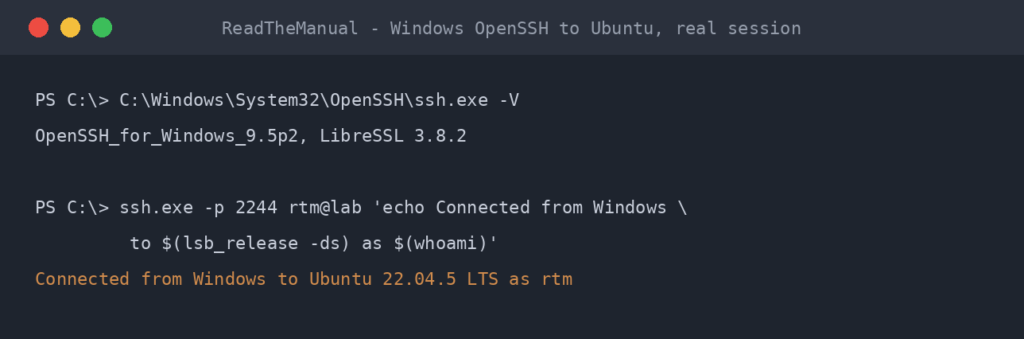
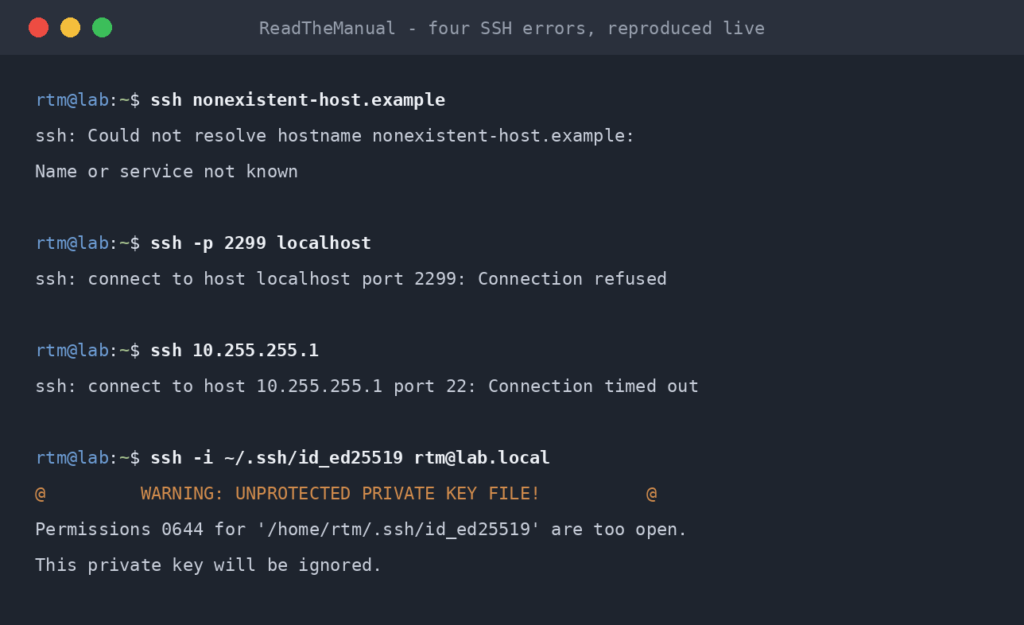
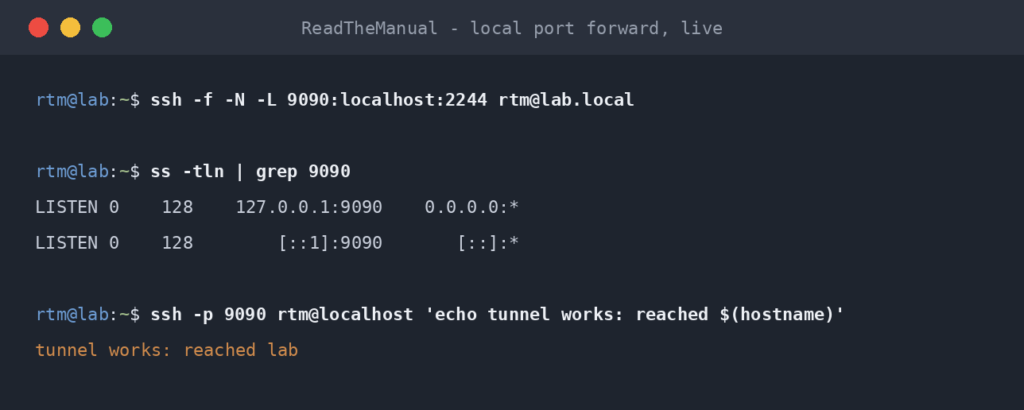
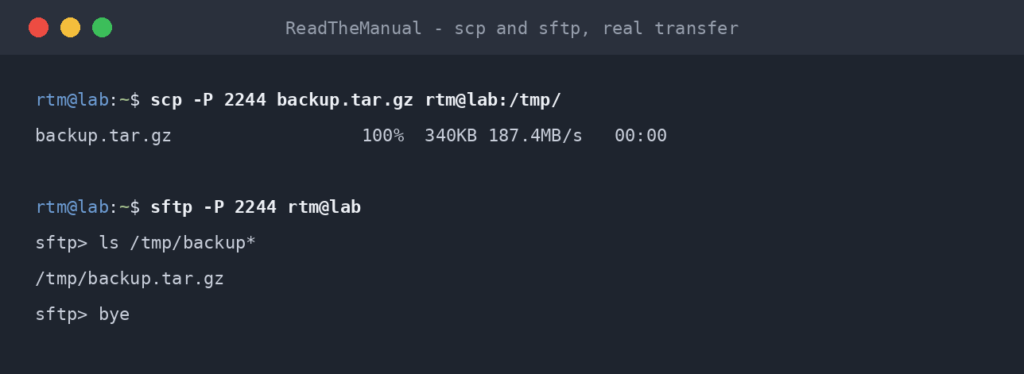
SSH Essentials: Remote Administration

Your Gateway to Remote Systems SSH is how you manage servers that aren’t sitting under your desk. Every cloud instance, every production server, every container host—you’ll access them through SSH. Basic SSH is connecting with a password. Production SSH means key-based authentication, secure configurations, tunnels, and jump hosts. That progression represents real career growth. SSH

SSH Essentials: Remote Administration Read More »

Close-up of colorful text on a computer screen, showcasing cybersecurity concepts.

Linux Process Management: ps, top, htop & kill Commands

What’s Running and How Do I Stop It? Every application, service, and script on a Linux system runs as a process. Managing processes—finding them, understanding them, and sometimes killing them—is core sysadmin work. When production is on fire and something is consuming all the CPU, you need to identify and handle it in seconds, not

Linux Process Management: ps, top, htop & kill Commands Read More »

Close-up of a computer monitor displaying cyber security data and code, indicative of system hacking or programming.

Linux Directory Navigation: Commands You’ll Use Every Day on the Job

The Commands You’ll Use 100+ Times Daily Before you can manage servers, you need to move around them. Directory navigation is so fundamental that experienced admins don’t think about it—it’s pure muscle memory. That’s exactly where you need to get. When someone asks you to check a log file, you shouldn’t be thinking about how

Linux Directory Navigation: Commands You’ll Use Every Day on the Job Read More »

Linux Fundamentals

Linux Fundamentals: The Homelab to Hired Series

From Homelab Tinkerer to Hired Sysadmin Every infrastructure job posting says “Linux experience required.” But what does that actually mean? Which commands matter? What do interviewers really test? I’ve been on both sides of the technical interview. This series covers the Linux fundamentals that actually get asked – not obscure trivia, but practical command-line skills

Linux Fundamentals: The Homelab to Hired Series Read More »

Close-up of colorful text on a computer screen, showcasing cybersecurity concepts.

The sudo Command: Linux Privilege Escalation Done Right

The Most Powerful Command You’ll Use sudo is the gatekeeper between regular user actions and root-level system changes. Use it correctly, and you maintain security while getting work done. Use it carelessly, and you create vulnerabilities that keep security teams awake at night. Most people know sudo as “the thing you put before commands to

The sudo Command: Linux Privilege Escalation Done Right Read More »

Detailed view of blue ethernet cables connected to a network switch in a data center.

Linux Network Troubleshooting: ping, traceroute, netstat & ss (With Real Scenarios)

“Is It the Network?” Every outage starts with this question. Database timeout? Is it the network? Website slow? Is it the network? Application won’t connect? Is it the network? Being able to quickly prove or eliminate network issues is what separates reactive helpdesk work from proactive infrastructure thinking. These commands are your diagnostic toolkit for

Linux Network Troubleshooting: ping, traceroute, netstat & ss (With Real Scenarios) Read More »

Scroll to Top