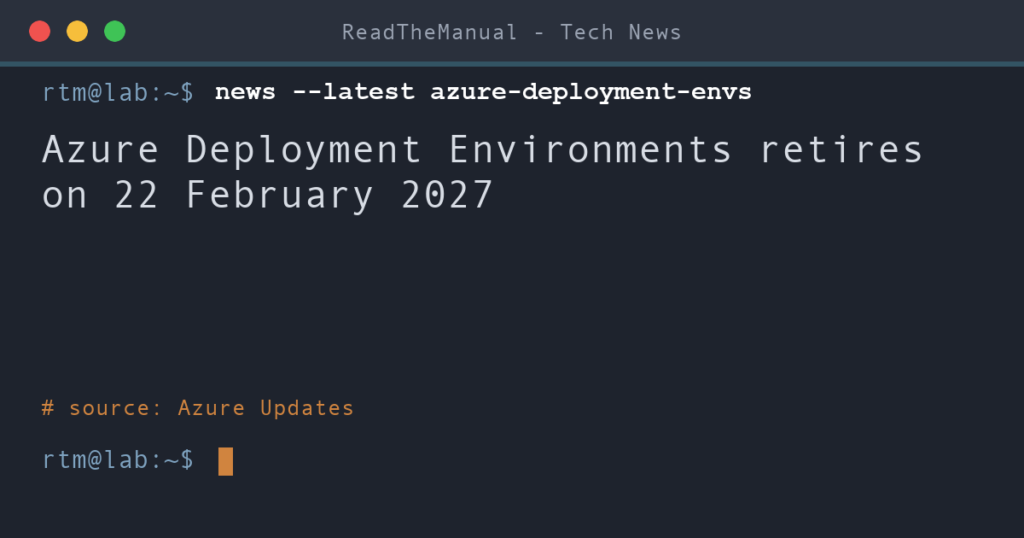
Azure Deployment Environments retires on 22 February 2027. From that date Microsoft expects to block create, deploy and redeploy operations, leaving only a time-limited window for reading and deleting. There is no single replacement: Microsoft’s retirement guide points you to Bicep or ARM templates, Azure Verified Modules, or pipelines in GitHub or Azure DevOps.
Last updated 9 October 2026. Sources are linked in the text and listed at the end.
What changed
Microsoft posted the retirement on Azure Updates on 8 October 2026. According to that notice, the closing-down process began on 14 September 2026, and after 22 February 2027 the service will no longer be available.
The retirement guide on Microsoft Learn spells out the details:
- On the retirement date, write operations are expected to be blocked. Inventory, read, log and delete operations are planned to stay available for a cleanup period, which Microsoft says will be time-bound.
- Deleting an environment doesn’t necessarily stop the charges. Removing the environment’s record in Deployment Environments may leave Azure resources it deployed still running. That’s especially likely outside the managed deployment resource group. Check Cost Management afterwards.
- Environment instances have no Azure Resource Manager resource IDs, so Resource Graph won’t find them. Inventory them through the developer portal, the Azure CLI or the service’s data-plane APIs. Use the Service Retirement workbook to find the service’s own resources.
- Microsoft Dev Box is not retiring with it. Dev Box has its own retirement date of 18 September 2028. Dev centres and projects are shared between the two services, so don’t delete them until you’ve confirmed nothing in Dev Box depends on them.
What it means for your homelab
If you used Deployment Environments to hand out sandbox or lab environments, the templates underneath were ARM or Bicep all along. Export the environment definitions and their parameters into your own Git repository now, then deploy them directly with Bicep or from a pipeline. That’s the route Microsoft recommends, and it’s a skill worth having anyway, because it works whatever Microsoft retires next.
Before you delete anything, list what each environment actually deployed. The guide is clear that removing the environment may leave billable resources behind.
Sources
- Retirement: Azure Deployment Environments will be retired on February 22, 2027 (Azure Updates, 8 October 2026)
- Azure Deployment Environments retirement guide (Microsoft Learn)

ReadTheManual is run, written and curated by Eric Lonsdale.
Eric has over 20 years of professional experience in IT infrastructure, cloud architecture, and cybersecurity, but started with PCs long before that.
He built his first machine from parts bought off tables at the local college campus, hoping they worked. He learned on BBC Micros and Atari units in the early 90s, and has built almost every PC he’s used between 1995 and now.
From helpdesk to infrastructure architect, Eric has worked across enterprise datacentres, Azure environments, and security operations. He’s managed teams, trained engineers, and spent two decades solving the problems this site teaches you to solve.
ReadTheManual exists because Eric believes the best way to learn IT is to build things, break things, and actually read the manual. Every guide on this site runs on infrastructure he owns and maintains.
Enjoyed this guide?
New articles on Linux, homelab, cloud, and automation every 2 days. No spam, unsubscribe anytime.