Homelab Builds

Practical homelab builds for infrastructure engineers. This is where enterprise skills meet kit you can actually afford. Guides cover mini PC clusters, refurbished Dell and HPE servers, Proxmox hypervisor setups, network segmentation with VLANs, and the power and cooling tradeoffs that matter when you run 24/7 at home. Every build documented here has either sat in a production rack or a real spare bedroom. No theoretical gear lists, no affiliate filler. If you want to learn Kubernetes on a £120 refurbished OptiPlex or run a dozen self-hosted services on a Pi cluster, start here. The homelab is a professional development environment, and this is how we treat it.

Close-up of colorful text on a computer screen, showcasing cybersecurity concepts.

30 Linux Commands That Get You Hired: The Interview Cheat Sheet

Why This Matters for Your Career I’ve sat on both sides of the technical interview table. As a candidate, I’ve fumbled through command-line questions that should have been easy. As a hiring manager, I’ve watched promising candidates crash and burn because they couldn’t navigate a filesystem under pressure. Here’s what nobody tells you: interviewers aren’t […]

30 Linux Commands That Get You Hired: The Interview Cheat Sheet Read More »

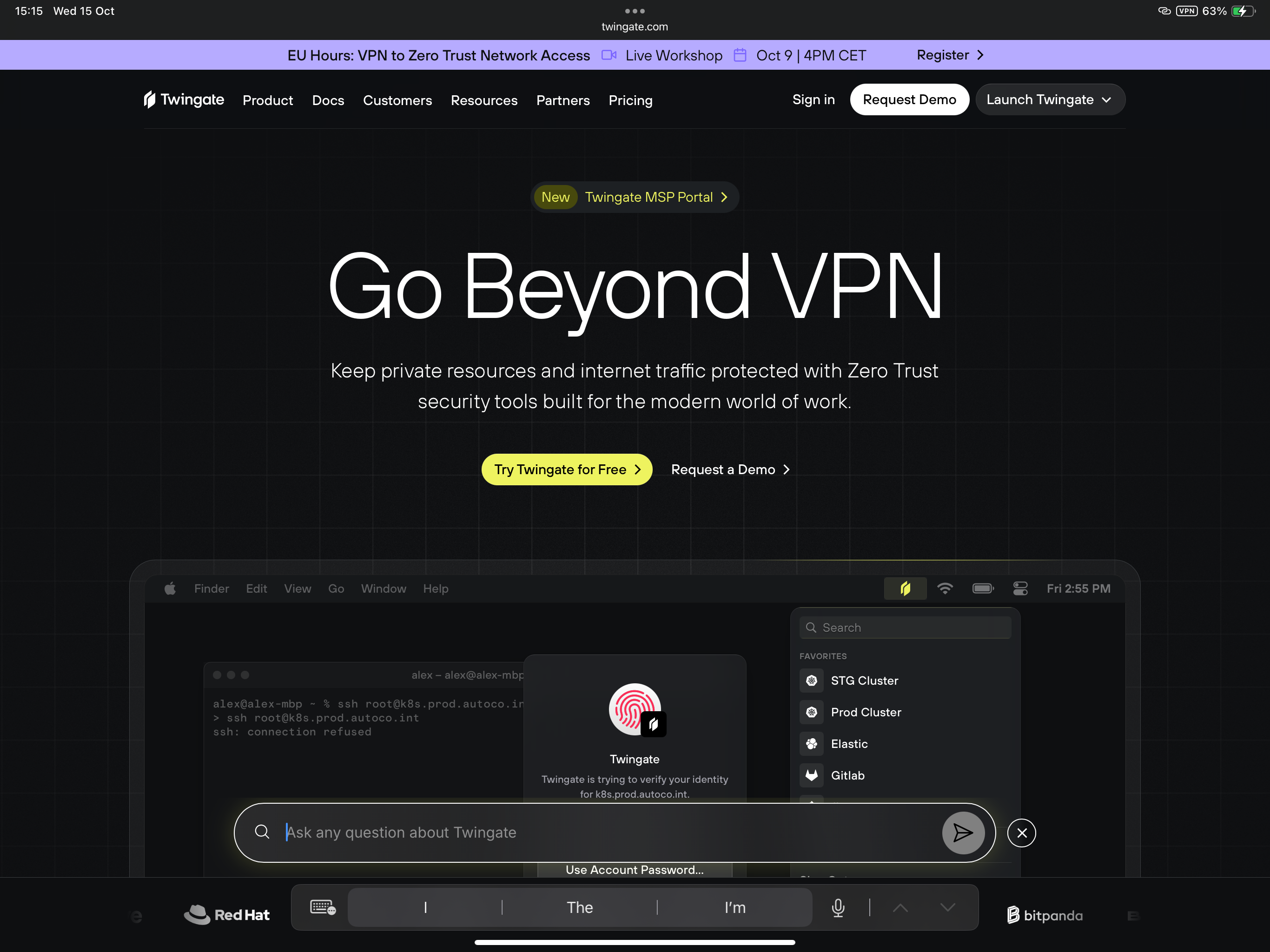
What Is Zero Trust Network Access (ZTNA)? Homelab Guide

And Why You Should Try It in Your Homelab with Twingate 👋 The Old Way: VPNs and Big Doors For years, remote access meant one thing: a VPN. You logged in once, and suddenly your laptop could see everything on the network. That worked fine when: • Everyone sat in the same office. • The

What Is Zero Trust Network Access (ZTNA)? Homelab Guide Read More »

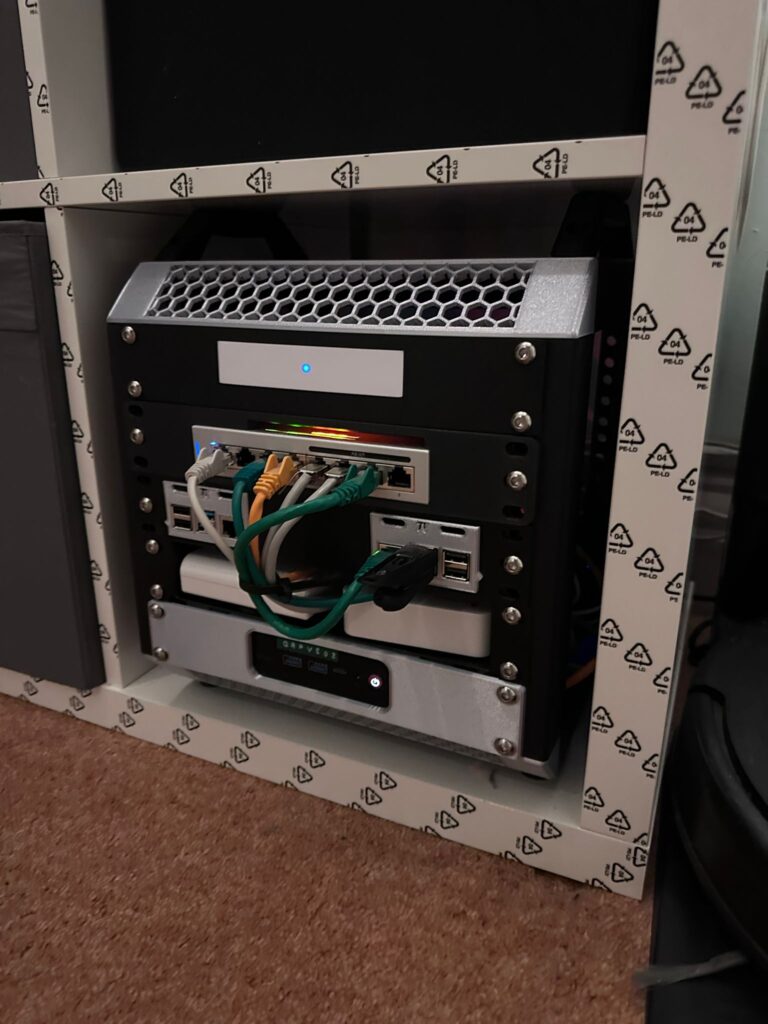
DIY Lab Rax 10-Inch 5U: Homelab Rack Build with 3D Printing

We all know that one corner in the house where cables run wild, blinking lights dazzle in the dark, and airflow is barely a thought. For me, that corner was the hallway: where the internet connection enters, access points are fed, Smart Home hubs live, and the rack got dirtier by the week. This week

DIY Lab Rax 10-Inch 5U: Homelab Rack Build with 3D Printing Read More »

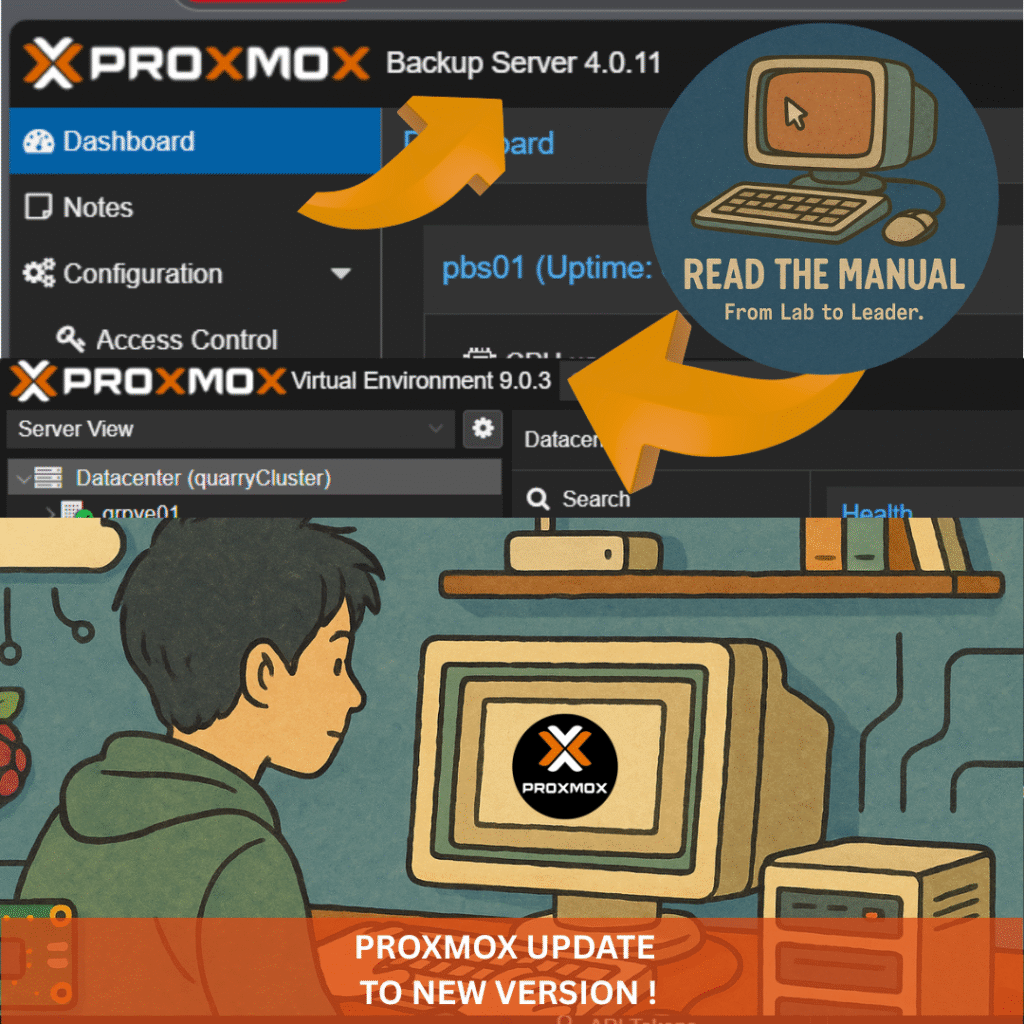
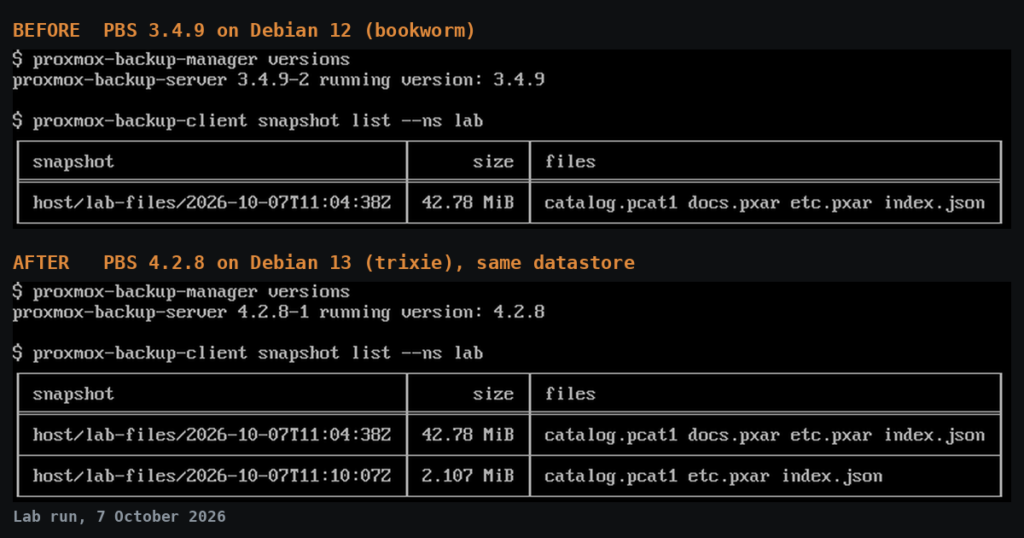
In-Place Upgrade to Proxmox Backup Server 4.0 (Homelab Edition)

If your homelab matters, your backups matter more. Proxmox Backup Server (PBS) 4.0 is out now on Debian 13 “Trixie”, with a Linux 6.14 kernel and ZFS 2.3.3. Headline upgrades include native S3-compatible object storage, live RAIDZ expansion, and automatic sync on mount for removable datastores. Below is a straightforward, no-subscription in-place upgrade from PBS

In-Place Upgrade to Proxmox Backup Server 4.0 (Homelab Edition) Read More »

Homelab Essential Services (2026): Build Your Full Stack

This isn’t just a hobby. This is how you build the skills to run production-grade infrastructure — from your garage, spare room, or Raspberry Pi. From the homelab: I run over 30 self-hosted services across my homelab. These are the ones I consider essential — the services that would be the first I redeploy if

Homelab Essential Services (2026): Build Your Full Stack Read More »

Compact mini PC with customizable digital display glowing in blue on a dark desk setup.

Raspberry Pi vs Mini PC for Homelab (Power Draw + Real Use)

Raspberry Pi or mini PC for a homelab? It is a question I get asked weekly, and the answer is more “both, for different things” than people expect. I have run both for years. The Pi handles lightweight services where low power and a small footprint matter. The mini PC runs everything else: virtualisation, databases,

Raspberry Pi vs Mini PC for Homelab (Power Draw + Real Use) Read More »

Getting Started with a Homelab: Buy, Build, or Rent?

If you’re getting started with a homelab, you’re likely asking yourself: should I buy new hardware, build a setup from used gear, or rent cloud servers like Linode or DigitalOcean? This guide will help you compare all three paths so you can choose the best fit for your learning goals, budget, and career growth. Homelabs

Getting Started with a Homelab: Buy, Build, or Rent? Read More »

Scroll to Top