Homelab Builds

Practical homelab builds for infrastructure engineers. This is where enterprise skills meet kit you can actually afford. Guides cover mini PC clusters, refurbished Dell and HPE servers, Proxmox hypervisor setups, network segmentation with VLANs, and the power and cooling tradeoffs that matter when you run 24/7 at home. Every build documented here has either sat in a production rack or a real spare bedroom. No theoretical gear lists, no affiliate filler. If you want to learn Kubernetes on a £120 refurbished OptiPlex or run a dozen self-hosted services on a Pi cluster, start here. The homelab is a professional development environment, and this is how we treat it.

Red backlit keyboard and code on laptop screen create a tech-focused ambiance.

grep, sed & awk: Linux Text Processing for Sysadmins

Real terminal output, captured live – not a mock-up. The Power Trio of Text Processing Logs, configs, and data outputs are all text. The ability to search, filter, and transform text efficiently separates those who manually copy-paste from those who process gigabytes of logs in seconds. grep finds. sed replaces. awk structures. Together, they’re an […]

grep, sed & awk: Linux Text Processing for Sysadmins Read More »

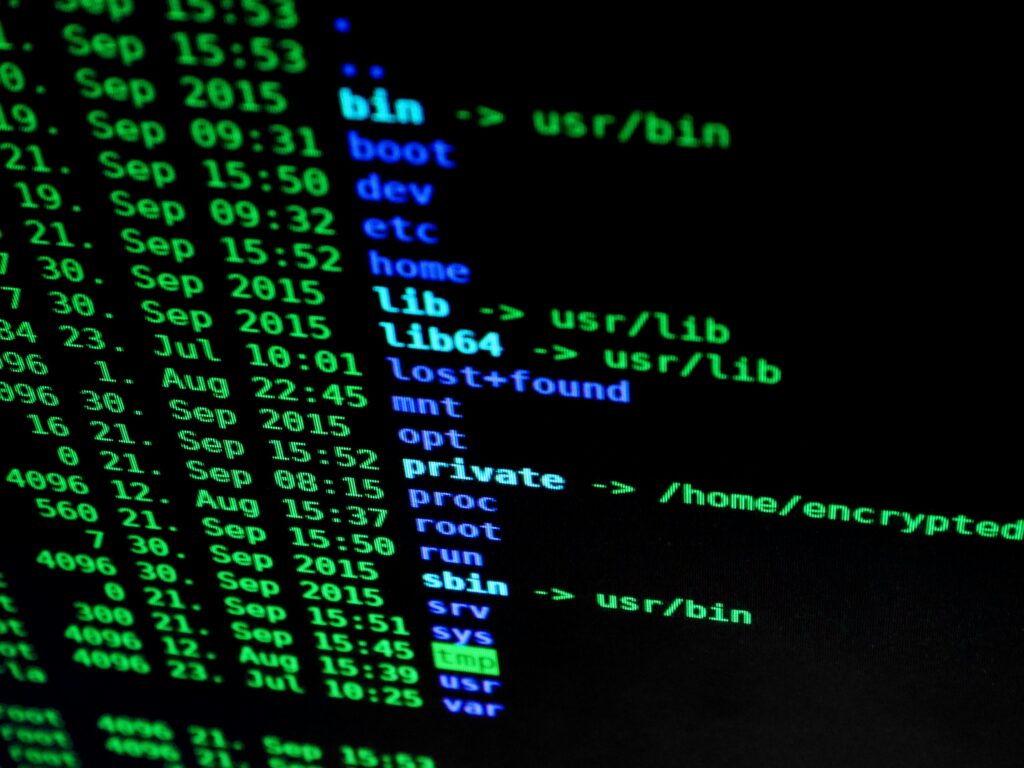
Close-up of a computer monitor displaying cyber security data and code, indicative of system hacking or programming.

SSH Essentials: Remote Administration

Your Gateway to Remote Systems SSH is how you manage servers that aren’t sitting under your desk. Every cloud instance, every production server, every container host—you’ll access them through SSH. Basic SSH is connecting with a password. Production SSH means key-based authentication, secure configurations, tunnels, and jump hosts. That progression represents real career growth. SSH

SSH Essentials: Remote Administration Read More »

Close-up of colorful text on a computer screen, showcasing cybersecurity concepts.

Linux Process Management: ps, top, htop & kill Commands

Real terminal output, captured live – not a mock-up. What’s Running and How Do I Stop It? Every application, service, and script on a Linux system runs as a process. Managing processes—finding them, understanding them, and sometimes killing them—is core sysadmin work. When production is on fire and something is consuming all the CPU, you

Linux Process Management: ps, top, htop & kill Commands Read More »

Close-up of a computer monitor displaying cyber security data and code, indicative of system hacking or programming.

Linux cd, ls & pwd: Directory Navigation Commands You’ll Use Every Day

Real terminal output, captured live – not a mock-up. The Commands You’ll Use 100+ Times Daily Before you can manage servers, you need to move around them. Directory navigation is so fundamental that experienced admins don’t think about it—it’s pure muscle memory. That’s exactly where you need to get. When someone asks you to check

Linux cd, ls & pwd: Directory Navigation Commands You’ll Use Every Day Read More »

Linux Fundamentals

Linux Fundamentals: The Homelab to Hired Series

From Homelab Tinkerer to Hired Sysadmin Every infrastructure job posting says “Linux experience required.” But what does that actually mean? Which commands matter? What do interviewers really test? I’ve been on both sides of the technical interview. This series covers the Linux fundamentals that actually get asked – not obscure trivia, but practical command-line skills

Linux Fundamentals: The Homelab to Hired Series Read More »

Close-up of colorful text on a computer screen, showcasing cybersecurity concepts.

The sudo Command: Linux Privilege Escalation Done Right

Real terminal output, captured live – not a mock-up. The Most Powerful Command You’ll Use sudo is the gatekeeper between regular user actions and root-level system changes. Use it correctly, and you maintain security while getting work done. Use it carelessly, and you create vulnerabilities that keep security teams awake at night. Most people know

The sudo Command: Linux Privilege Escalation Done Right Read More »

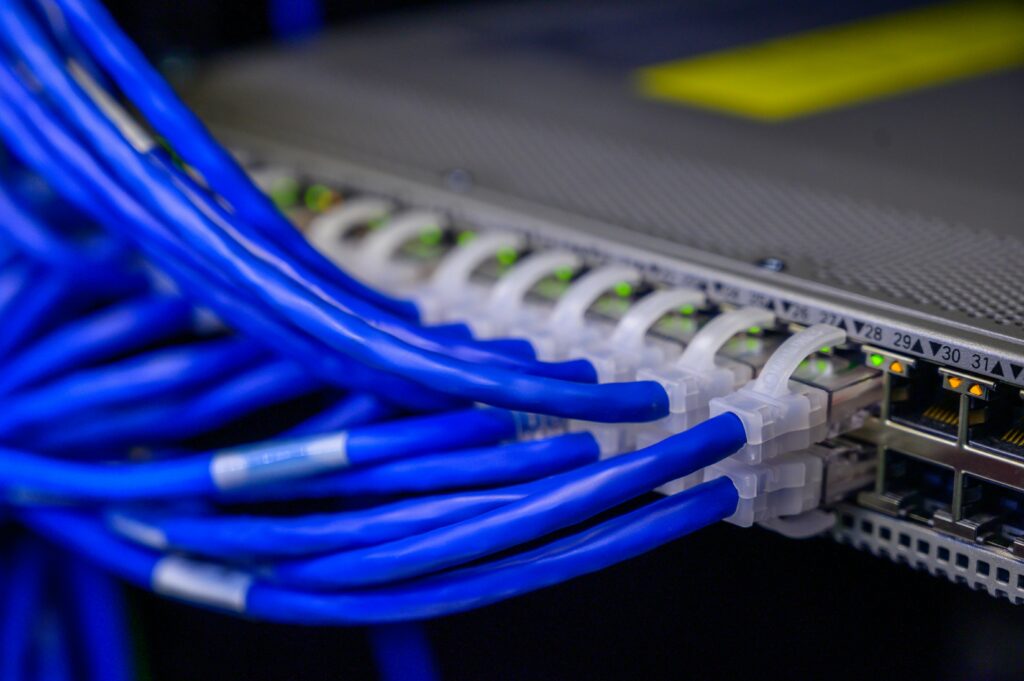
Detailed view of blue ethernet cables connected to a network switch in a data center.

Linux Network Troubleshooting: ping, traceroute, netstat & ss (With Real Scenarios)

Real terminal output, captured live – not a mock-up. “Is It the Network?” Every outage starts with this question. Database timeout? Is it the network? Website slow? Is it the network? Application won’t connect? Is it the network? Being able to quickly prove or eliminate network issues is what separates reactive helpdesk work from proactive

Linux Network Troubleshooting: ping, traceroute, netstat & ss (With Real Scenarios) Read More »

Close-up view of a mouse cursor over digital security text on display.

Linux File Permissions: The Interview Question Everyone Gets Wrong

Real terminal output, captured live – not a mock-up. The Question That Ends Interviews “What does 755 mean?” I’ve seen candidates with impressive CVs stumble on this. They know Linux, they’ve used chmod, but they can’t explain what the numbers actually mean. Interview over. File permissions are the foundation of Linux security. Every file, every

Linux File Permissions: The Interview Question Everyone Gets Wrong Read More »

Red backlit keyboard and code on laptop screen create a tech-focused ambiance.

apt Package Management on Ubuntu: Install, Update, Remove & Troubleshoot

Real terminal output, captured live – not a mock-up. Linux Package Management Guide for Beginners The Gateway to Linux Administration Every piece of software on your Linux server got there somehow. In the Debian/Ubuntu world—which dominates enterprise Linux deployments—that somehow is apt. Installing packages seems simple until you’re maintaining a production server at 3 AM

apt Package Management on Ubuntu: Install, Update, Remove & Troubleshoot Read More »

Scroll to Top