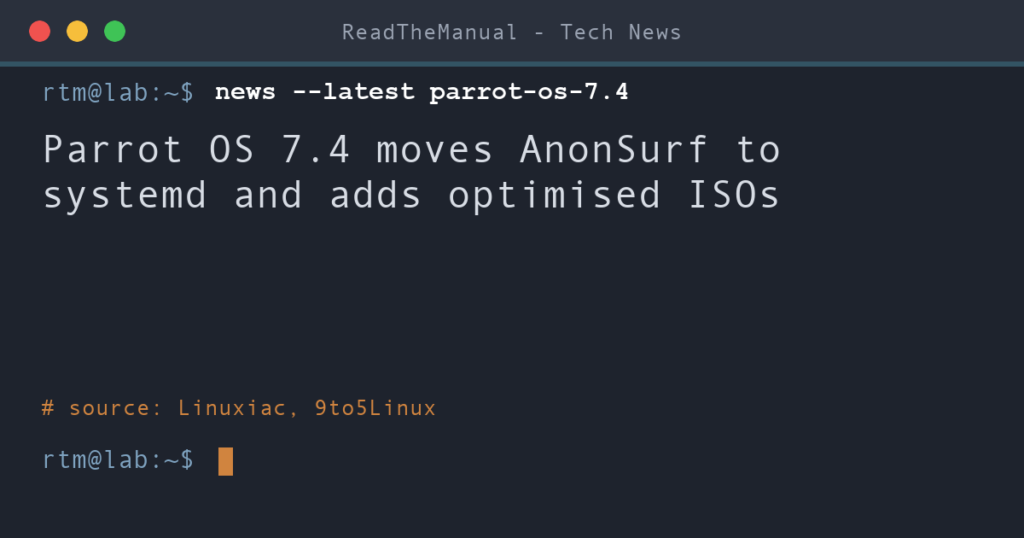
Parrot OS 7.4 arrived on 3 October with AnonSurf 6.0 as its main change, according to Linuxiac. The Tor routing tool now uses systemd for starting, stopping, restarting and boot handling, and interrupted sessions can recover automatically at boot. 9to5Linux lists the shipped package as AnonSurf 6.0.1.
Last updated 5 October 2026. Sources are linked in the text and listed at the end.
What changed
According to 9to5Linux, the release comes three months after Parrot OS 7.3 and runs on Linux kernel 7.1, with package updates and security patches from Debian 13.6 Trixie. It also adds optimised ISO images for modern CPUs. ParrotSec says the amd64v3 and armv8.2 builds suit x64 computers built after 2015 and ARM boards such as the Raspberry Pi 5, Apple Silicon M series and Cortex X1. Linuxiac adds that compute-heavy work such as compression, cryptography, FFmpeg, NumPy and OpenBLAS benefits most, and that standard images remain available for older hardware.
Parrot Discovery is a new first-run setup application that installs browsers, editors, chat applications, container tools, gaming software and privacy utilities through curated APT and Flatpak commands. 9to5Linux says it also becomes the welcome and setup screen in the ISO builder.
Rocket 2.0, the tool for containerised security applications, gets a redesigned PySide6 interface, with rootless Podman preferred and Docker available as a fallback after user approval. On ARM, new arm64 ISO images are available, Parrot is preparing a first Orange Pi beta aimed at the Orange Pi 5 Ultra, and Raspberry Pi and other ARM images receive fixes for package dependencies, SSH host keys and menu handling in the Home and Security editions.
Other changes from 9to5Linux: the VM builds now explicitly target AArch64 for UTM on Apple Silicon, mcpwn gains configurable per-tool timeouts, output-preview limits and accepted exit codes, and Parrot Updater 2.2.0 keeps its terminal output visible and scrollable after an update finishes. Updated tools include Metasploit Framework 6.5.4, Bettercap 2.41.7, Kismet 2025.09.R1, Certipy 5.1.0, Ligolo-ng 0.9.1, ffuf 2.2.1, dnsx 1.3 and TheHarvester 4.10.1.
What it looks like
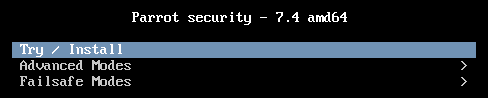
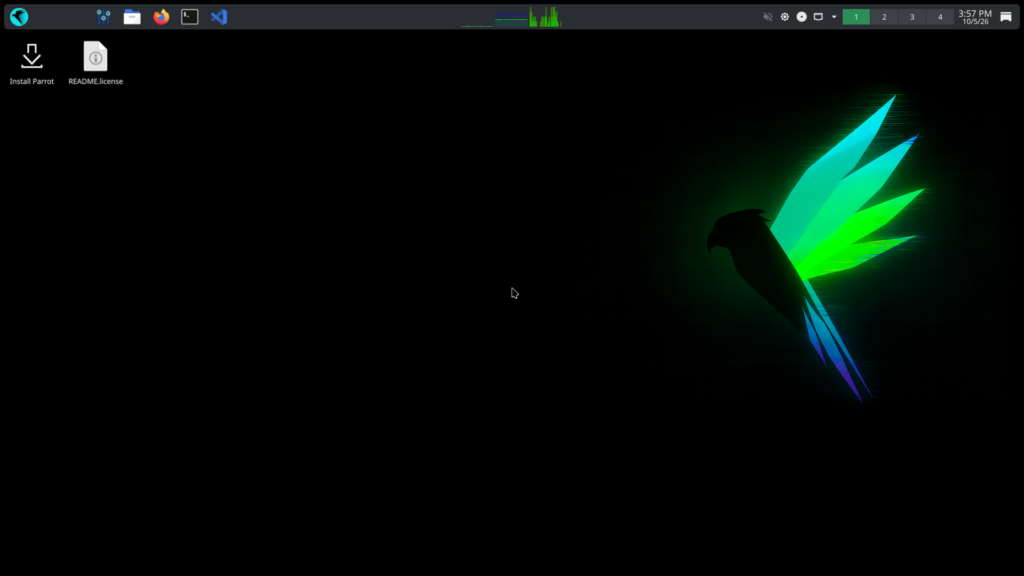
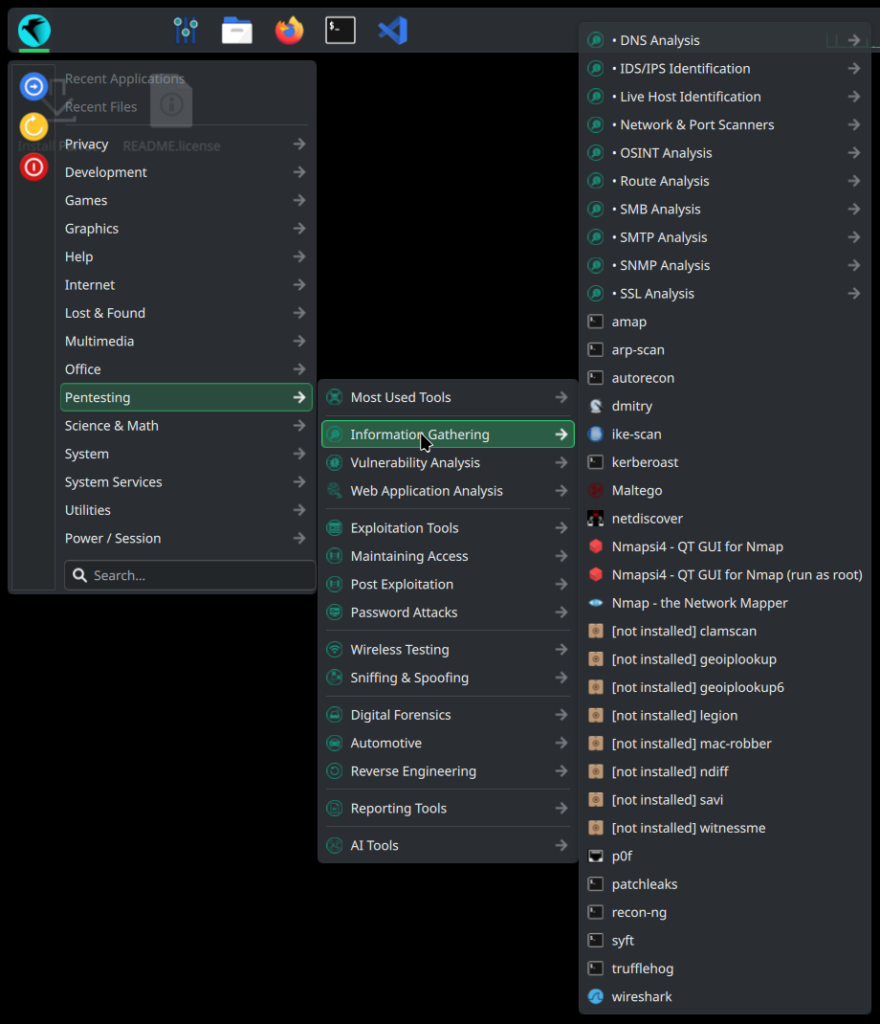
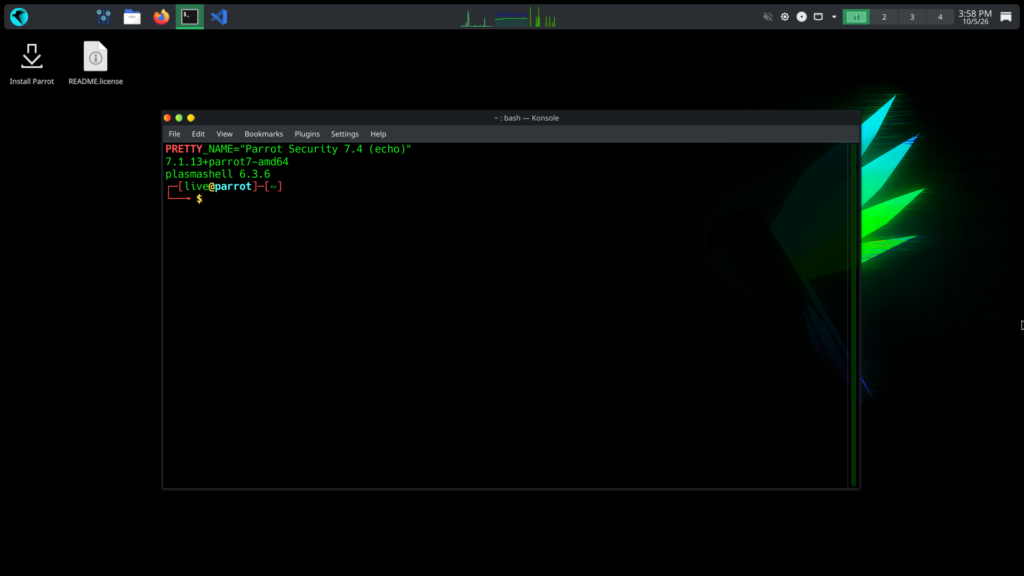
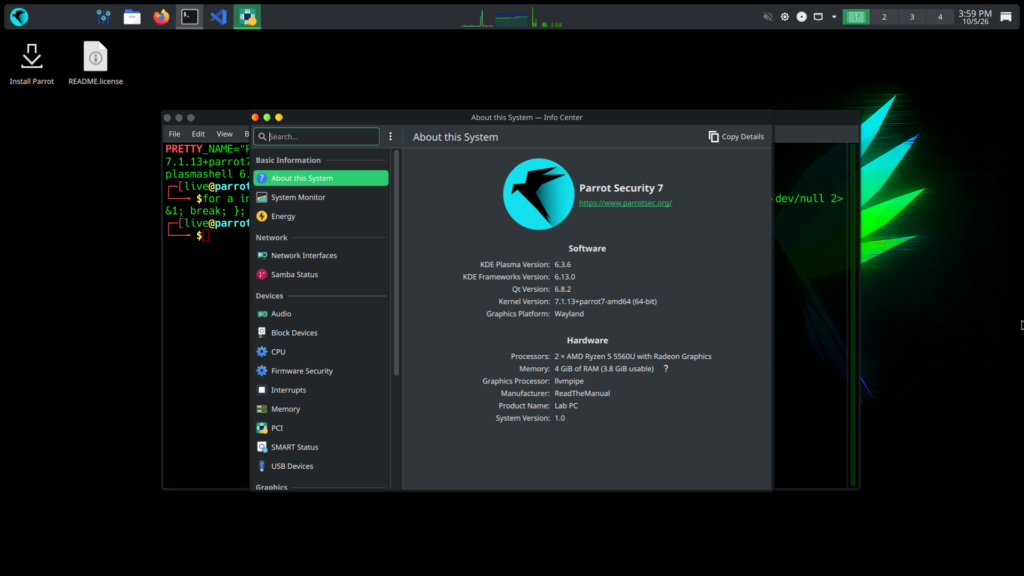
These screens are from the official Parrot OS 7.4 Security Edition image, booted unmodified in a clean virtual machine.
What it means for your homelab
I moved my own cyber training over from Kali to Parrot OS, and it has held up well. It is a good option if you want a security distro you can also use day to day. Ubuntu is still my daily driver, mostly out of habit.
Back up before upgrading, particularly custom KDE settings.
Existing installs can upgrade with sudo parrot-upgrade, or with sudo apt update and sudo apt full-upgrade. Older hardware should stay on the standard images.
Career Context: Your training distro does not need to be Kali. Parrot ships the same core toolset (Metasploit, Bettercap, Certipy and the rest), and Rocket 2.0 running those tools in rootless Podman is the same container-isolation habit you will meet in real security teams.
Run it yourself
Download the Home or Security live edition from the Parrot website and boot it in a virtual machine first. The site also offers VM, Docker, WSL and Raspberry Pi images. No hypervisor yet? How to Install Proxmox VE (Beginner’s Guide 2026) gets one running.
Sources
- Security-Focused Parrot OS 7.4 Released With Linux Kernel 7.1, AnonSurf 6.0 (Linuxiac)
- Parrot OS 7.4 Released with AnonSurf 6.0, Updated Raspberry Pi Images (9to5Linux)

ReadTheManual is run, written and curated by Eric Lonsdale.
Eric has over 20 years of professional experience in IT infrastructure, cloud architecture, and cybersecurity, but started with PCs long before that.
He built his first machine from parts bought off tables at the local college campus, hoping they worked. He learned on BBC Micros and Atari units in the early 90s, and has built almost every PC he’s used between 1995 and now.
From helpdesk to infrastructure architect, Eric has worked across enterprise datacentres, Azure environments, and security operations. He’s managed teams, trained engineers, and spent two decades solving the problems this site teaches you to solve.
ReadTheManual exists because Eric believes the best way to learn IT is to build things, break things, and actually read the manual. Every guide on this site runs on infrastructure he owns and maintains.
Enjoyed this guide?
New articles on Linux, homelab, cloud, and automation every 2 days. No spam, unsubscribe anytime.