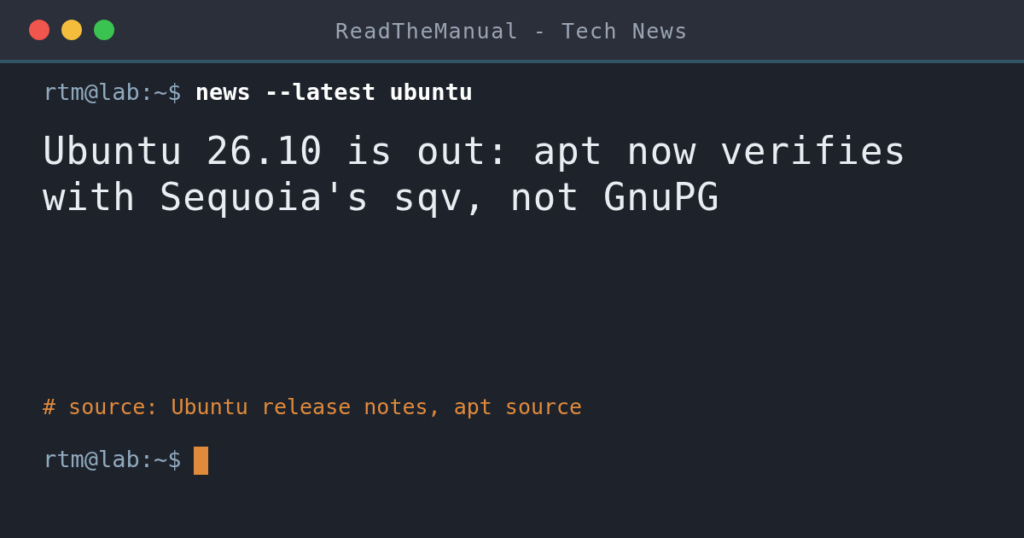
Ubuntu 26.10 shipped on 15 October 2026, and apt now checks repository signatures with Sequoia’s sqv instead of GnuPG’s gpgv, under a policy that refuses DSA keys and SHA-1 key signatures. If you add third-party repos such as Docker or Tailscale, audit their keys before upgrading from 26.04 LTS. The gpg command still runs GnuPG.
Last updated 16 October 2026. Sources are linked in the text and listed at the end.
What changed
Ubuntu 26.10 Stonking Stingray was released on 15 October 2026 and, as an interim release, gets nine months of updates, until July 2027. It ships Linux 7.3 and GNOME 51. Under the heading “An oxidized OpenPGP”, the release notes say Ubuntu has adopted the Rust-based Sequoia PGP into the main archive, with sq and sqv as counterparts to gpg and gpgv. The stated goal is for Sequoia to become Ubuntu’s default OpenPGP toolchain. No date is given, and gpg and gpgv stay in main.
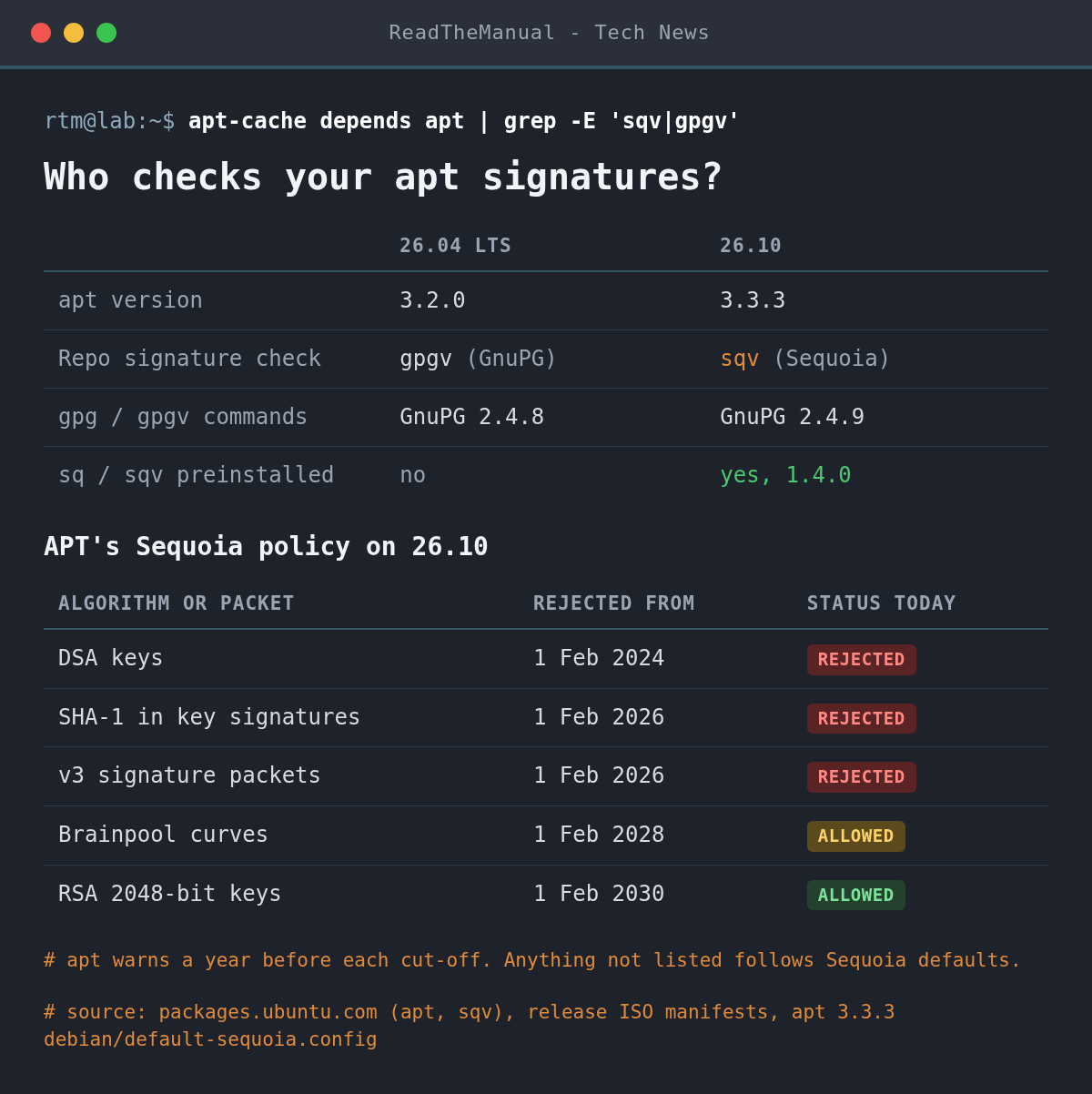
The package lists for the final desktop and server images both include sq 1.4.0 and sqv 1.4.0 next to GnuPG 2.4.9, so Sequoia is installed out of the box. The part the release notes do not spell out is apt. On 26.04 LTS, apt 3.2.0 depends on gpgv. On 26.10, apt 3.3.3 depends on sqv instead, and apt’s source sends every repository signature check to its sqv method whenever the sqv binary is present. That follows Debian, where apt replaced GnuPG with Sequoia for this job in late 2024. The apt-key command was already removed back in Ubuntu 25.04.
With sqv comes a crypto policy, shipped as /usr/share/apt/default-sequoia.config. Each weak algorithm has a cut-off date after which signatures that rely on it fail. Sequoia itself was started in 2017 by three former GnuPG developers and implements RFC 9580, the 2024 OpenPGP standard, while GnuPG follows its own LibrePGP line.
What it means for your homelab
Ubuntu’s own archive is fine. It is signed with a 4096-bit RSA key, and when we ran sqv against the 26.10 archive’s Release file on 16 October it verified cleanly against the Ubuntu Archive Automatic Signing Key (2018).
The risk sits with third-party repositories, the ones you added for Docker, Tailscale, a GPU driver or a backup tool. Three things can now break apt update after an upgrade from 26.04 LTS:
- An old key algorithm. DSA keys have been past their cut-off since February 2024, and SHA-1 in key signatures and old v3 signature packets since February 2026.
- A keyring in GnuPG’s keybox format. apt only accepts an armoured
.ascfile or a plain binary.gpgkey. A file built withgpg --keyring file --importis a keybox database, and apt skips it with an “unsupported filetype” warning, so the repo fails signature checks. - A 2048-bit RSA key is fine until 1 February 2030. apt checks a year ahead, so from February 2029 you will see “Policy will reject signature within a year”.
If you followed our Docker on Ubuntu guide, Docker’s key is stored as docker.asc and tied to its repo with Signed-By, which is the format apt wants. For your own keys, nothing changes: gpg, gpg-agent, signed Git commits and pass all still run on GnuPG.
Servers that matter should stay on 26.04 LTS, which keeps apt 3.2.0 and gpgv. Treat 26.10 as the place to find out what breaks before the same apt reaches an LTS.
How to check before you upgrade
Run these on the 26.04 machine first. List the key file each repo uses, then check the file format and the key algorithm:
grep -rhi 'signed-by' /etc/apt/sources.list.d/
file /etc/apt/keyrings/* /usr/share/keyrings/*
gpg --show-keys /etc/apt/keyrings/docker.asc
file should report a PGP public key block or an OpenPGP public key. “GPG keybox database” means that key needs rewriting. In the gpg --show-keys output, dsa on the pub line is a key apt will refuse; rsa3072, rsa4096 and ed25519 are fine. The cleanest fix is to fetch the vendor’s key again as .asc, as their current install instructions show. Failing that, export the keybox to a plain key and point Signed-By at the new file:
gpg --no-default-keyring --keyring /usr/share/keyrings/example.gpg --export --armor \
  | sudo tee /etc/apt/keyrings/example.asc > /dev/null
Back up /etc/apt and snapshot the VM before running sudo do-release-upgrade. One more catch from the release notes: machines using TPM-backed full disk encryption cannot upgrade from 26.04 to 26.10 yet.
How to see it on 26.10
Confirm which verifier apt uses and which versions you have:
apt-cache depends apt | grep -E 'sqv|gpgv'
sqv --version
sq version
gpg --version | head -n 1
Then make apt report keys that are close to a cut-off. The --audit flag shows the detail behind any “within a year” warning:
sudo apt update --auditTo watch sqv do apt’s job by hand, verify the archive’s Release file yourself. On success it prints the fingerprint of the signing key, F6ECB3762474EDA9D21B7022871920D1991BC93C for Ubuntu’s 2018 archive key:
cd "$(mktemp -d)"
curl -fsSLO http://archive.ubuntu.com/ubuntu/dists/stonking/Release
curl -fsSLO http://archive.ubuntu.com/ubuntu/dists/stonking/Release.gpg
sqv --keyring /usr/share/keyrings/ubuntu-archive-keyring.gpg Release.gpg Release
If a repo breaks and you need packages before you can fix its key, sudo apt -o APT::Key::GPGVCommand=gpgv update sends that one run back through GnuPG’s gpgv. Use it to confirm the diagnosis, not as a setting: it skips the policy that rejected the key. Our apt package management guide covers the Signed-By layout in full.
What it looks like
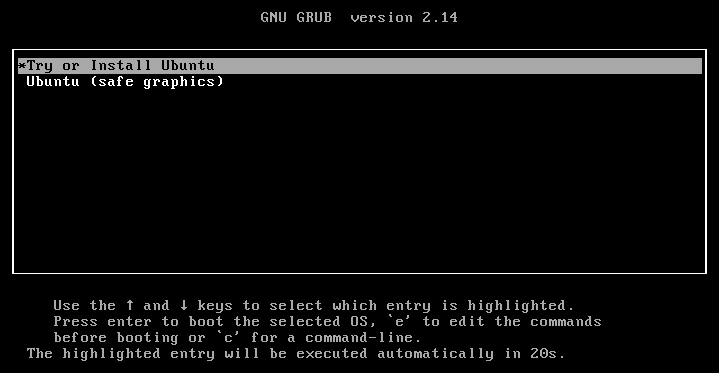
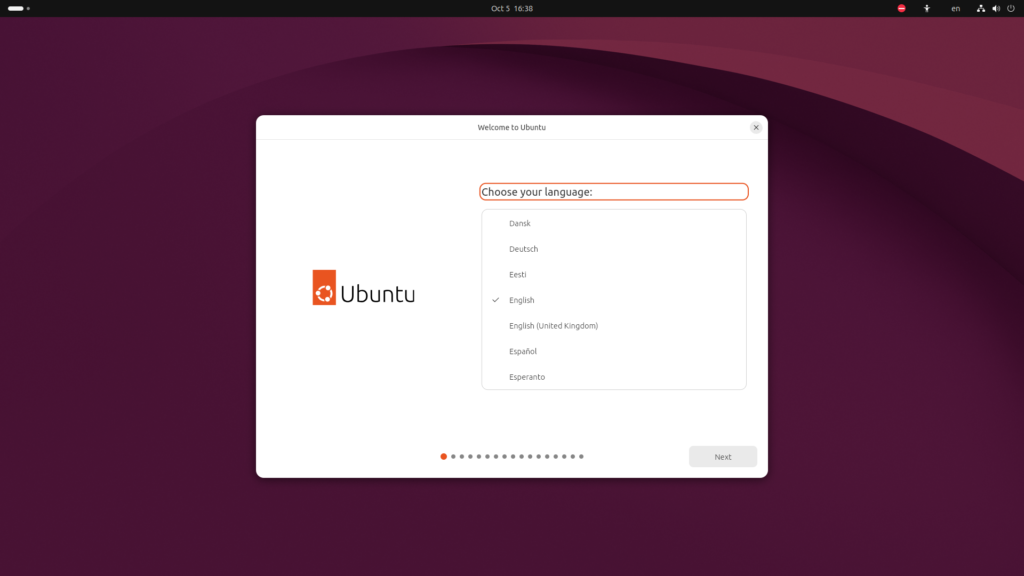
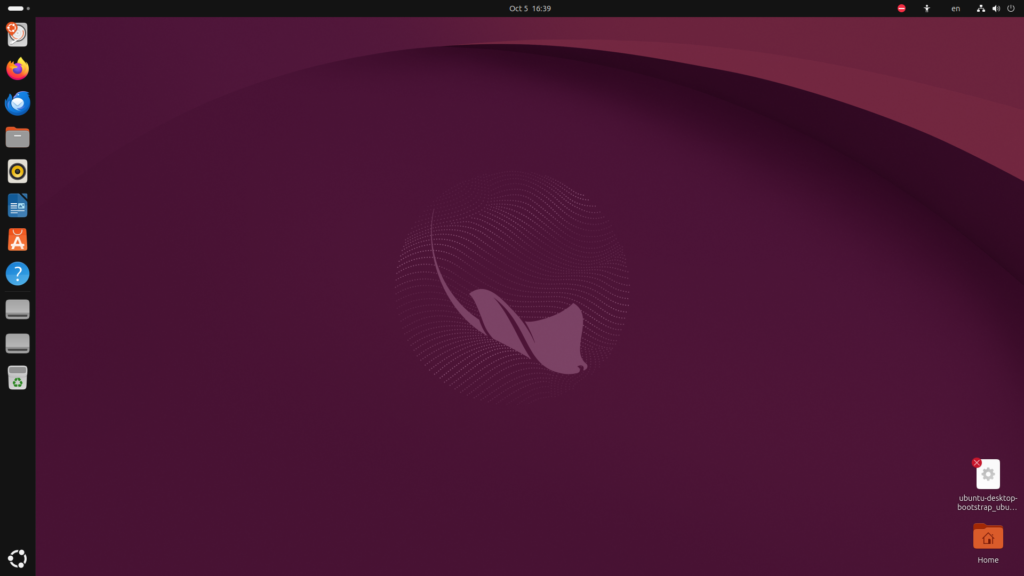
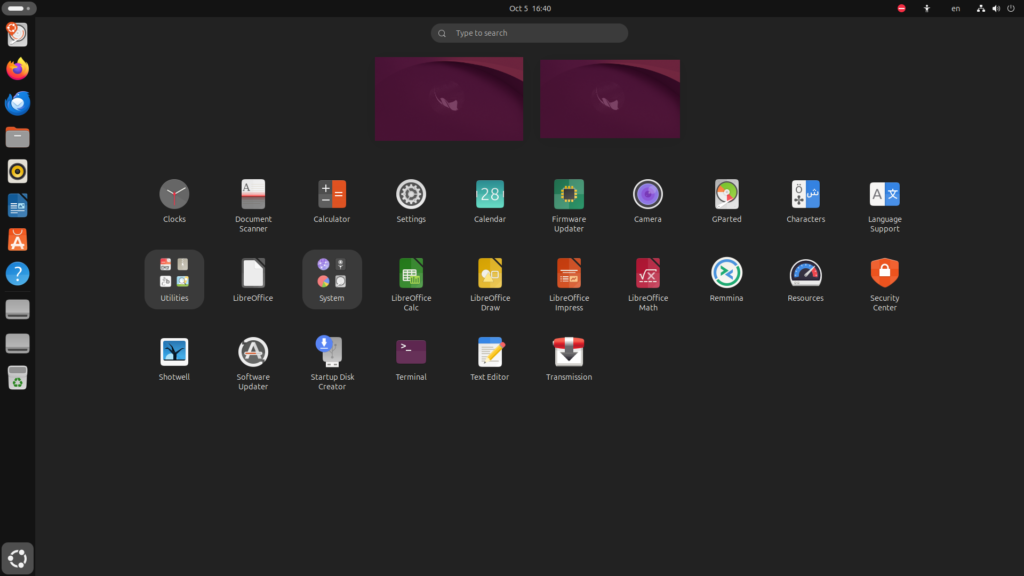
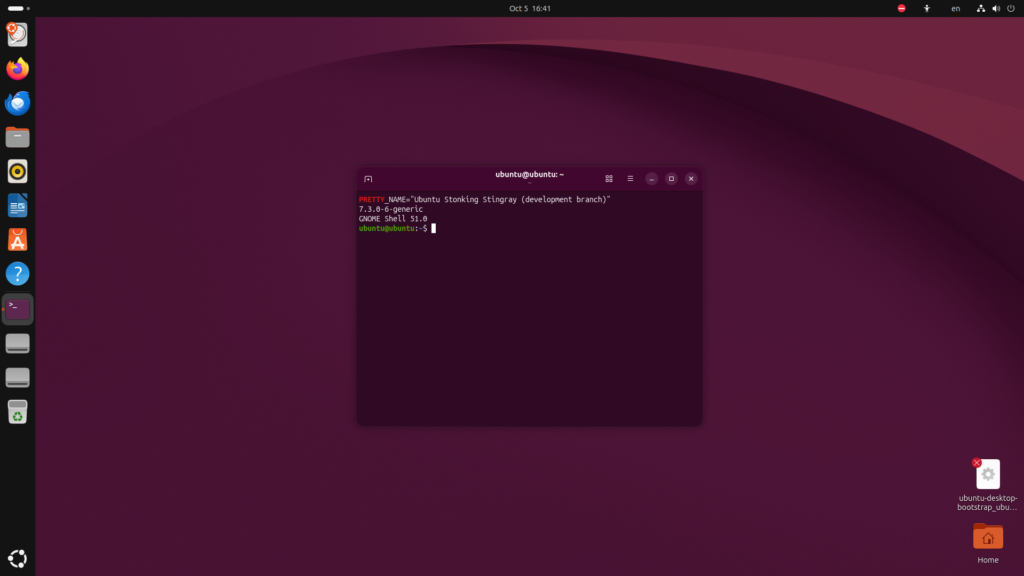
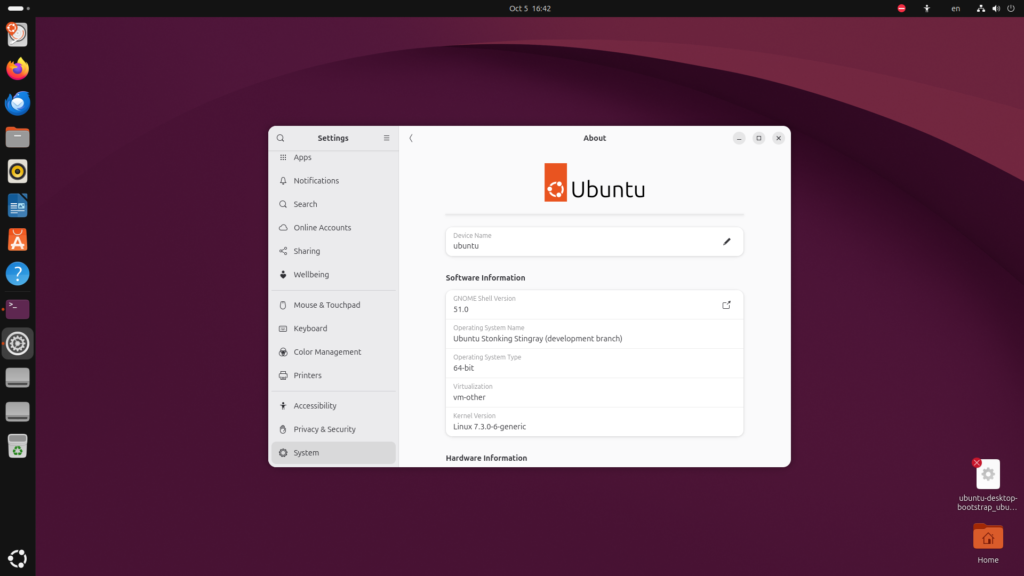
These screens are from the official Ubuntu 26.10 beta image, booted unmodified in a clean virtual machine before the final release. The beta and final image package lists carry the same apt 3.3.3, sq 1.4.0 and sqv 1.4.0, so the OpenPGP picture below matches the release; GNOME Shell received one packaging update between the two.
Career Context: “How does apt know a package is genuine?” is a fair sysadmin interview question, and most candidates stop at “GPG keys”. The fuller answer is the chain: the signed InRelease file, the per-repo Signed-By key, and now a crypto policy with dated cut-offs. Running the key audit above on your own lab, and writing down what you found, gives you a real change-management story to tell about an OS upgrade.
Sources
- Ubuntu 26.10 release notes (Canonical)
- Ubuntu 26.10 (Stonking Stingray) released (Ubuntu Discourse)
- Rust on Ubuntu 2026-10 (Ubuntu Discourse)
- apt 3.3.3 package details for 26.10 and apt 3.2.0 for 26.04 LTS (packages.ubuntu.com)
- apt 3.3.3 changelog, including the Sequoia policy cut-offs
- apt-secure(8) manual page on key formats
- Ubuntu 26.10 Will Have a Rust-based GnuPG Replacement (It’s FOSS News)

ReadTheManual is run, written and curated by Eric Lonsdale.
Eric has over 20 years of professional experience in IT infrastructure, cloud architecture, and cybersecurity, but started with PCs long before that.
He built his first machine from parts bought off tables at the local college campus, hoping they worked. He learned on BBC Micros and Atari units in the early 90s, and has built almost every PC he’s used between 1995 and now.
From helpdesk to infrastructure architect, Eric has worked across enterprise datacentres, Azure environments, and security operations. He’s managed teams, trained engineers, and spent two decades solving the problems this site teaches you to solve.
ReadTheManual exists because Eric believes the best way to learn IT is to build things, break things, and actually read the manual. Every guide on this site runs on infrastructure he owns and maintains.
Enjoyed this guide?
New articles on Linux, homelab, cloud, and automation every 2 days. No spam, unsubscribe anytime.