
83% of enterprises say they plan to bring workloads back from public cloud. Sovereign cloud spending is projected to hit $80 billion this year. The direction of travel is clear.
But direction isn’t capability.
I’ve spent 20 years building infrastructure – enterprise, cloud, and self-hosted. I architect Azure environments during the day and run my own stack at night. I’ve watched the skills pipeline quietly shut down over the last decade, and the consequences are becoming real.
This is the skills matrix for leaving the cloud. Not theory. The actual capabilities your team needs, what’s atrophied, and where to start rebuilding.
Career Value: Infrastructure engineers who can work across cloud, on-prem, and hybrid are commanding premiums of 20-40% over cloud-only specialists. The repatriation wave is creating demand for skills that were “obsolete” three years ago. This article maps exactly what to learn.
The Skills Gap Nobody Talks About
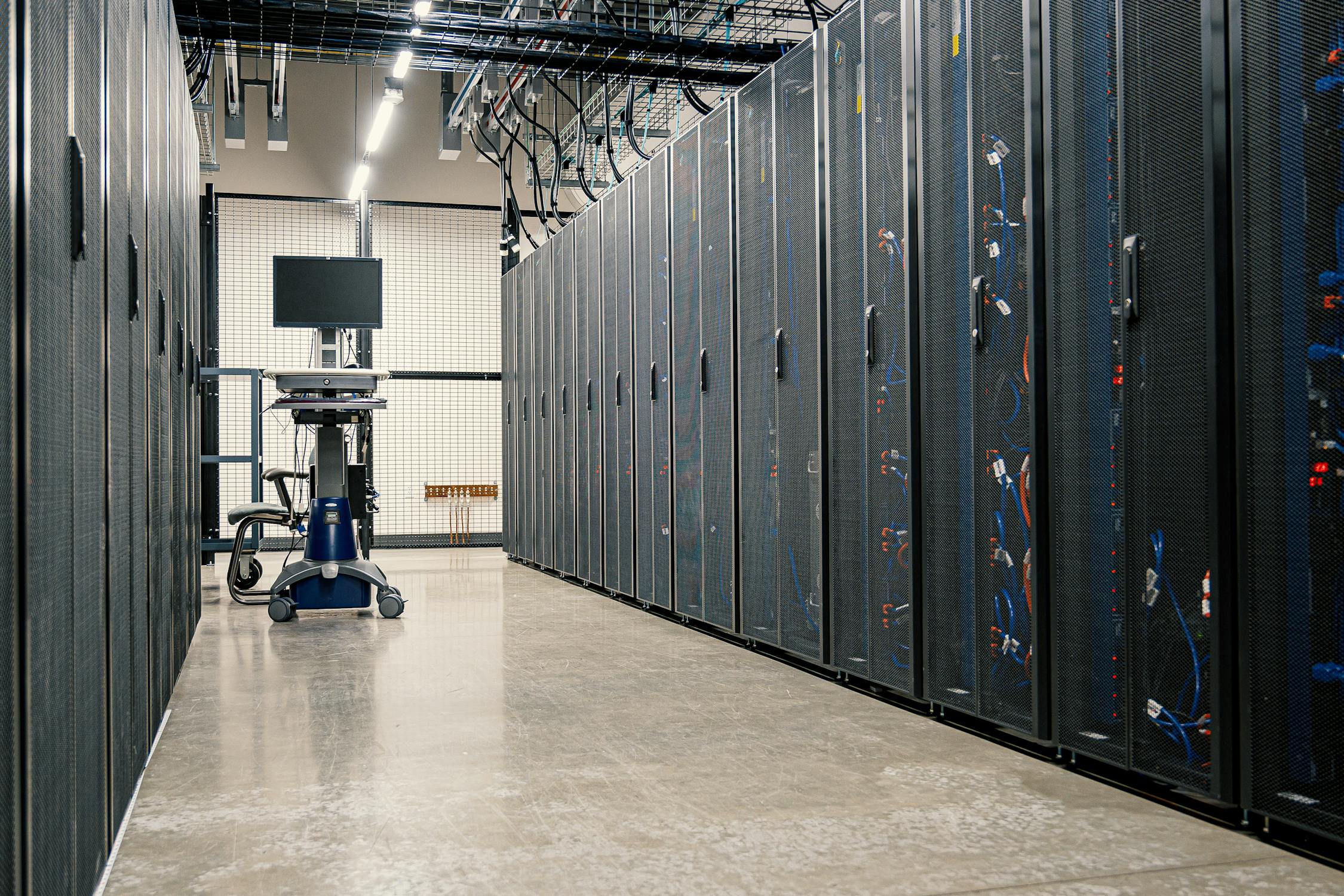
Microsoft retired the dedicated server certifications in 2021. “System Administrator” became “DevOps Engineer” – which increasingly means Terraform and a pipeline, not racking a switch or sizing a subnet. The abstraction layers got so thick that entire teams have never seen the metal their code runs on.
Now ask those teams to repatriate.
The companies repatriating successfully aren’t the ones with the biggest budgets. They’re the ones who kept at least a few people who remember how infrastructure actually works. The rest are discovering that cloud exit isn’t a migration project – it’s a training programme.
Here’s what that training programme looks like.
1. Networking From Scratch
The gap: I’ve watched engineers push a full /16 network for a single web service because that was the default in the Azure template they cloned. Teams spinning up cloud identity with no idea how to connect it back to the on-prem AD running half their business. Subnetting, VLANs, firewall rules, routing tables – these are assumed away by cloud abstractions.
What you actually need:
- IPv4 subnetting and CIDR notation (not just picking from a dropdown)
- VLAN configuration and network segmentation
- Firewall rules – stateful vs stateless, ingress/egress, default deny
- Routing fundamentals – static routes, NAT, port forwarding
- VPN configuration – site-to-site and remote access (WireGuard is the modern answer)
Why it matters: When a compromise goes unchecked because nobody thought about segmentation, that’s a networking skills gap. The cloud didn’t remove the need for network design. It just hid it behind a portal.
Start here: Our IP Addressing Fundamentals guide covers the foundation. The Linux Fundamentals series includes network troubleshooting commands you should be fluent in. For hands-on practice, build a homelab – you can’t learn networking from a textbook.

2. DNS (No, It Doesn’t “Just Work”)
The gap: In the cloud, DNS is a managed service. Route 53, Azure DNS, Cloud DNS. Point and click. But on your own infrastructure, DNS is the thing that breaks everything when it’s wrong and gets zero credit when it’s right.
What you actually need:
- A, AAAA, CNAME, MX, TXT, SRV records – what they do and when to use each
- Forward and reverse lookup zones
- Split-horizon DNS for internal vs external resolution
- DNS security – DNSSEC basics, DNS-over-HTTPS/TLS
- Running your own resolver (Pi-hole is a practical starting point that solves a real problem while teaching DNS)
Why it matters: Every single service you run depends on DNS. Every. Single. One. If your team’s DNS knowledge is “create a record in the portal,” repatriation will be painful.
Start here: How DNS Actually Works explains the fundamentals. Then get hands-on with Pi-hole or AdGuard Home – running your own DNS is the single best learning exercise in infrastructure.
3. Linux Administration
The gap: Cloud consoles abstract the OS. Many engineers interact with Linux through Azure CLI, CloudShell, or a CI/CD pipeline. They’ve never managed a machine through its full lifecycle – install, harden, patch, monitor, troubleshoot, recover.
What you actually need:
- Core commands – not just
lsandcd, butjournalctl,systemctl,ss,ip - Service management – systemd, unit files, dependencies, restart policies
- File permissions – ownership, groups, ACLs, sticky bits
- Privilege management – sudo, sudoers, principle of least privilege
- Log analysis – knowing where to look when something breaks
- Storage management – partitions, filesystems, mounting, LVM
- SSH – key-based auth, tunnels, config management
Why it matters: The cloud runs on Linux. Your repatriated infrastructure will run on Linux. There is no shortcut here.
Start here: The Linux Fundamentals series is 12 articles covering everything from basic navigation to disk management. Work through it with a real machine – a Raspberry Pi or a refurbished mini PC running Proxmox.

4. Containerisation (Beyond “docker run”)
The gap: Most cloud-native teams use containers. But there’s a difference between pushing an image to a managed Kubernetes service and actually running container infrastructure. ECS, AKS, EKS abstract away the host OS, networking, storage, and orchestration. When you repatriate, someone needs to own all of that.
What you actually need:
- Docker installation and management on bare metal (not cloud-hosted)
- Docker Compose – multi-container applications, networking, volumes, restart policies
- Docker troubleshooting – logs, exec, networking, storage drivers
- Image management – building, tagging, running a private registry
- Container networking – bridge networks, overlay networks, DNS resolution between containers
Why it matters: Containers are the right abstraction for most workloads. But running them on your own infrastructure means understanding the layers that managed services hide.
Start here: Install Docker on a real machine, then work through Docker Compose. Deploy something real – Nextcloud, Jellyfin, or Uptime Kuma. Learning by deploying services you actually use is faster than any course.

5. Monitoring and Observability
The gap: Azure Monitor, CloudWatch, Datadog. Teams know how to read dashboards. Fewer know how to build them. Even fewer could set up a monitoring stack from scratch if they had to.
What you actually need:
- Metrics collection – Prometheus + Grafana is the industry standard outside hyperscaler ecosystems
- Uptime monitoring – Uptime Kuma for service health checks
- Log aggregation – centralised logging, structured logs, retention policies
- Alerting – meaningful alerts, not noise. Knowing the difference between “something might be wrong” and “wake someone up”
Why it matters: You can’t operate what you can’t see. The first thing that falls over after a repatriation is monitoring, because the team was relying on a managed service that doesn’t exist anymore.
Start here: Grafana + Prometheus on your homelab teaches you the same stack that powers monitoring at companies running their own infrastructure worldwide.

6. Security Hardening
The gap: Cloud security is largely “configure the right settings in the portal.” NSGs, WAFs, identity policies – all managed. On your own infrastructure, security is your problem from the kernel up.
What you actually need:
- OS hardening – disabling unnecessary services, removing default accounts, configuring firewalls
- Automated security baselines – using Ansible or similar to enforce configuration consistently
- TLS/SSL certificate management – Let’s Encrypt, cert renewal, reverse proxy configuration
- Network segmentation – VLANs, firewall zones, DMZs
- Backup and disaster recovery – encrypted secrets management, tested restoration procedures
- Access control – who can SSH in, from where, with what privileges
Why it matters: When you leave the cloud, you inherit the security responsibility that the hyperscaler was handling. If your team’s security experience is “Azure Defender told us it was fine,” that’s a problem.
7. Bare Metal and Virtualisation
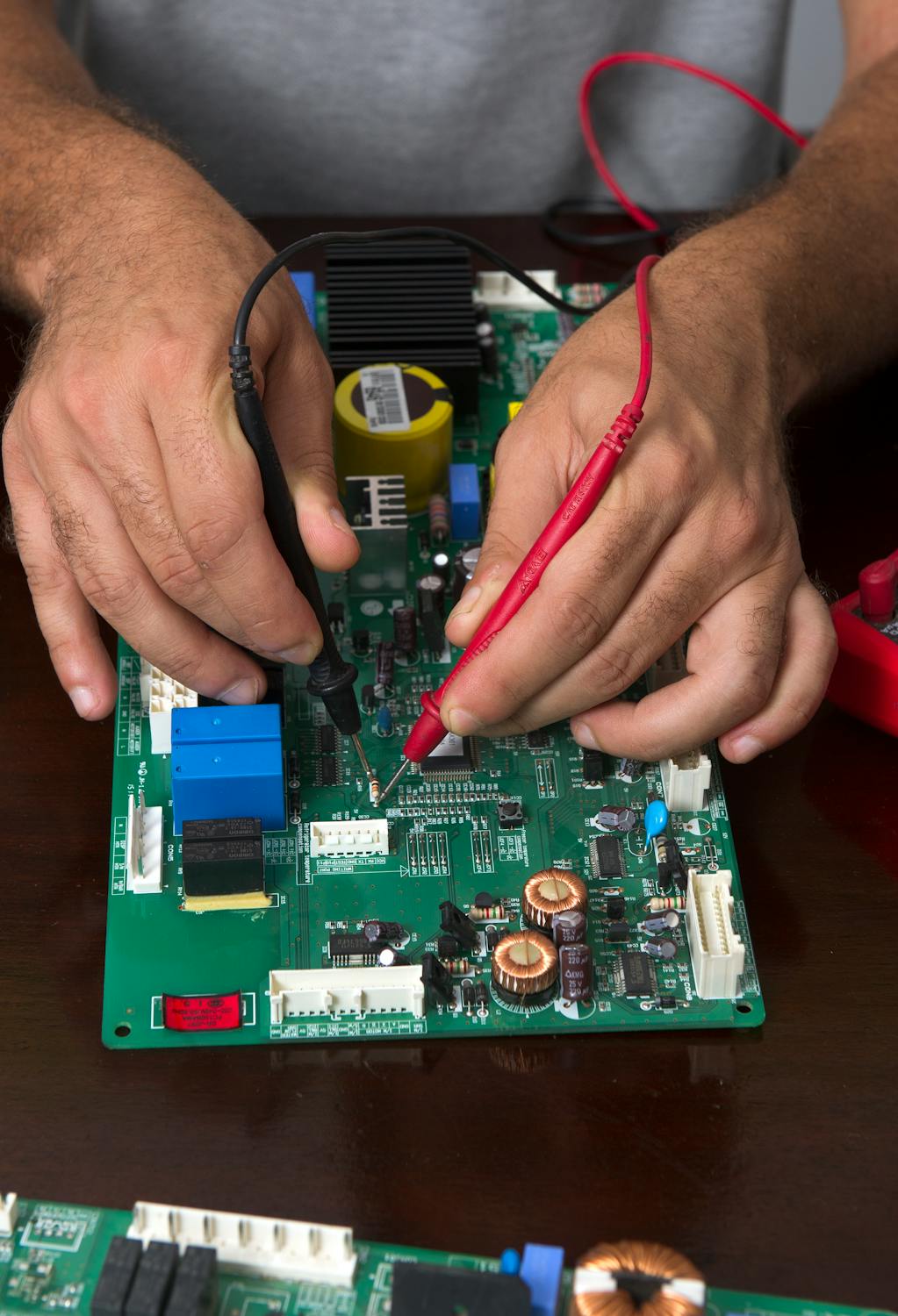
The gap: An entire generation of engineers has never installed an operating system on physical hardware. Never configured BIOS settings, RAID arrays, or BMC/IPMI for remote management. Virtualisation to them is “spin up a VM in the portal,” not managing a hypervisor.
What you actually need:
- Hypervisor management – Proxmox is free, enterprise-grade, and the best learning platform available
- Hardware lifecycle – procurement, rack and stack, firmware updates, decommissioning
- Storage architecture – local vs shared storage, ZFS, backup strategies
- Resource allocation – CPU, RAM, storage planning without a magic “resize” button
Why it matters: The cloud runs on physical servers in physical buildings. If your team can’t manage a hypervisor, repatriation to anything other than another managed service is off the table.
Start here: Install Proxmox on a refurbished mini PC. For under 150 quid, you have an enterprise-grade virtualisation platform running on your desk. That’s the entire cloud experience, minus the invoice.

The Middle Ground Nobody Mentions
The repatriation conversation gets stuck in a false binary: hyperscaler or on-prem. As if those are the only two options.
They’re not. There’s an entire ecosystem that existed before “cloud” became a marketing term:
- Colocation – rack your own hardware in someone else’s facility. You own the stack, they provide power, cooling, and connectivity. Facilities like Star London offer interchange access, redundant power, and the ability to physically visit your infrastructure.
- Regional hosting providers – European hosts with actual human support who pick up the phone. Your data stays in your jurisdiction. Your contract isn’t 40 pages of “we can change the terms whenever we like.”
- Managed private cloud – dedicated infrastructure managed on your behalf, but not shared with thousands of other tenants. The performance consistency alone is worth the conversation.
- Hybrid approaches – keep commodity workloads in the cloud, bring sensitive or performance-critical workloads home. Not all-or-nothing.
These providers exist. They’re not flashy. They don’t have Super Bowl ads or billion-dollar marketing budgets. But they’ve been running infrastructure since before AWS existed.
The problem isn’t that alternatives don’t exist. The problem is an entire generation of engineers was trained to believe there are only three options. Azure. AWS. GCP. That was never the menu. It was the sponsored listing.

Why a Homelab Is the Best Cloud Exit Training
Every skill on this page can be learned at home, on hardware that costs less than a month of Azure spend.
A Raspberry Pi 5 running Docker gives you containerisation, networking, DNS, monitoring, and Linux administration in one device. A refurbished mini PC with Proxmox gives you virtualisation, storage management, and bare metal experience.
I run my email server in Helsinki. My monitoring runs on a Pi. My blog runs on infrastructure I can SSH into and touch. These aren’t toys – they’re the same skills, different scale.
That’s the editorial model of this entire site. Here’s how it works in production. Here’s how to learn the same skill at home. Same fundamentals, same thinking, different budget.
Where to start:
- How to Build Your First Homelab in 2026 – the complete starting guide
- Best VPS for Homelab 2026 – if you want to start in the cloud and work down (yes, the irony is intentional)
- Linux Fundamentals series – 12 tutorials from basics to disk management
- Docker on Ubuntu + Docker Compose guide – the container foundation
The Training Pipeline Problem
Here’s the structural issue: the vendors who trained your team have no incentive to teach them how to leave.
Azure certifications teach you to use Azure. AWS certifications teach you to use AWS. That’s not education – it’s onboarding. The vendor controls the curriculum, the exam, the credential, and the renewal cycle. And none of it covers “what to do when you decide this platform isn’t right for you anymore.”
The training pipeline for vendor-neutral infrastructure skills effectively shut down when Microsoft retired the server certifications and the industry rebranded “System Administrator” as “DevOps Engineer.” The job boards stopped asking for the fundamentals. The boot camps stopped teaching them. The skills atrophied.
But you don’t need anyone’s permission to learn. YouTube, open source, homelabs for the price of a second-hand mini PC. The training pipeline didn’t disappear – it moved. It’s just not vendor-branded anymore.
That’s why this site exists.
Cloud Exit Readiness: The Honest Checklist
Ask your team these questions. If more than three answers are “no” or “we’d figure it out,” cloud exit isn’t a migration project. It’s a training programme.
| Skill Area | The Question |
|---|---|
| Networking | Could you design a network from scratch? Subnets, VLANs, firewall rules – no portal, no template? |
| DNS | Could you run your own DNS infrastructure? Internal and external resolution? |
| Linux | Could you install, harden, and maintain a production Linux server without a managed service? |
| Containers | Could you run container workloads on bare metal – networking, storage, orchestration? |
| Monitoring | Could you build a monitoring stack from scratch? Metrics, logs, alerts? |
| Security | Could you harden a server from the kernel up? TLS, firewall, access control, patching? |
| Bare Metal | Has anyone on your team installed an OS on physical hardware in the last five years? |
| Backup | Could you restore a service from scratch if the infrastructure vanished? Have you tested it? |
| Alternatives | Could you name three hosting providers that aren’t hyperscalers? Do you know what colocation is? |
The Cloud Was Supposed to Be a Tool
I help businesses move to the cloud. For most, it’s the right call. But I’ve started asking: “If you had to leave, could you?”
If the honest answer is “we wouldn’t know where to start,” that belongs on a risk register. Not because the cloud is bad. Because dependency without capability is a business risk.
The skills exist. The training material exists. The hardware to practice on is cheaper than it’s ever been. The only thing missing is the decision to invest in capability instead of outsourcing it entirely.
This site teaches infrastructure fundamentals – from Linux basics to building your first homelab to the case for digital sovereignty. Same skills whether you’re running a Pi under your desk or a rack in a datacentre. The scale changes. The fundamentals don’t.
Keep Learning
Digital Sovereignty Series
- Why Self-Host in 2026? – The risk assessment that started this series
- Email Sovereignty – Own your most critical communication channel
- Build Your Own Cloud with Nextcloud – Replace Google Drive, Calendar, and Contacts
Hands-On Guides
- Build Your First Homelab (2026)
- Proxmox Installation Guide
- Grafana + Prometheus Monitoring
- WireGuard VPN Setup
- Nginx Proxy Manager
- Docker Compose for Beginners
Linux Fundamentals
- Full 12-Part Series
- Linux Commands That Get You Hired
- Network Troubleshooting Commands
- SSH Essentials
Windows & Networking
The Tools I Use
Everything I recommend on this site, I run myself. From the hardware to the hosting to the services. Check out the Essential Stack for the full breakdown of what powers this infrastructure – and every item links to a guide showing you how to set it up.

ReadTheManual is run, written and curated by Eric Lonsdale.
Eric has over 20 years of professional experience in IT infrastructure, cloud architecture, and cybersecurity, but started with PCs long before that.
He built his first machine from parts bought off tables at the local college campus, hoping they worked. He learned on BBC Micros and Atari units in the early 90s, and has built almost every PC he’s used between 1995 and now.
From helpdesk to infrastructure architect, Eric has worked across enterprise datacentres, Azure environments, and security operations. He’s managed teams, trained engineers, and spent two decades solving the problems this site teaches you to solve.
ReadTheManual exists because Eric believes the best way to learn IT is to build things, break things, and actually read the manual. Every guide on this site runs on infrastructure he owns and maintains.
Enjoyed this guide?
New articles on Linux, homelab, cloud, and automation every 2 days. No spam, unsubscribe anytime.