If you’re getting started with a homelab, you’re likely asking yourself: should I buy new hardware, build a setup from used gear, or rent cloud servers like Linode or DigitalOcean? This guide will help you compare all three paths so you can choose the best fit for your learning goals, budget, and career growth.
Homelabs have become one of the most powerful ways to learn IT, cybersecurity, networking, and self-hosted services hands-on. Whether you’re just starting out or looking to expand, understanding your options will save you time, money, and frustration.
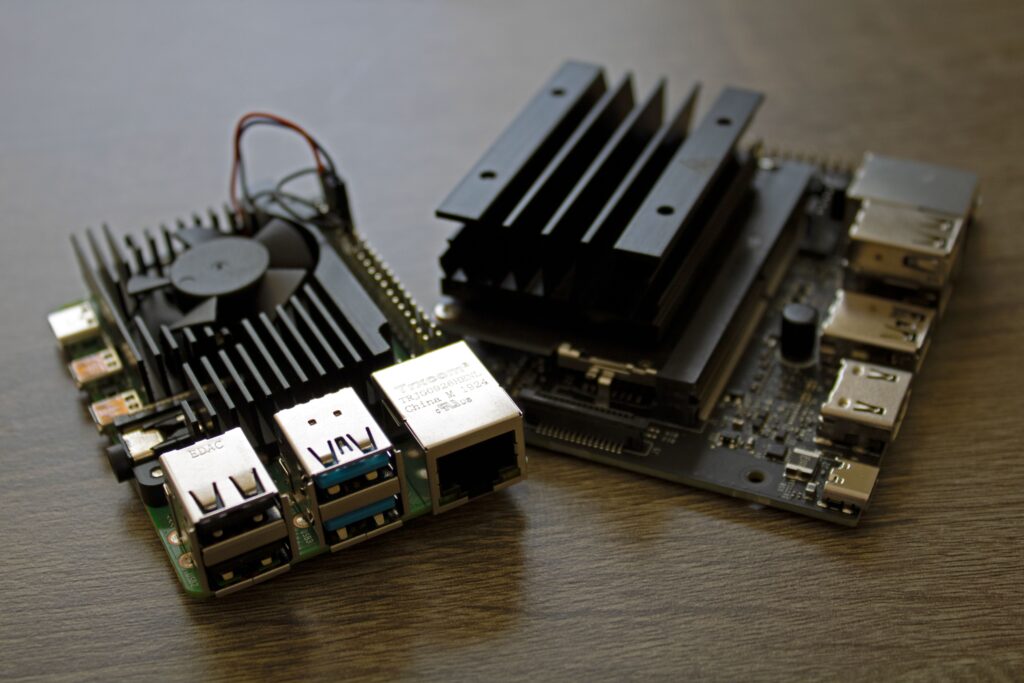
What is a Homelab and Why Start One?
A homelab is a personal tech playground. It’s a DIY environment where you can experiment with servers, operating systems, cloud tools, and networking setups in a low-risk setting.
Whether you’re aiming to break into cybersecurity, learn Docker, or practice setting up firewalls, your homelab is where you can explore without breaking production systems.
Option 1: Buying Dedicated Hardware
Purchasing new hardware, such as mini PCs, Raspberry Pis, or custom-built servers, provides reliability and full control. This option is ideal if you require predictable performance, warranty support, and long-term availability.
| Pros: | Cons: |
| Consistent performance and uptime Warranty and hardware support Ideal for virtualization, storage arrays, and 24/7 workloads |
Higher upfront cost Power usage and heat Space requirements |
Typical Use Cases:
- Home lab server setup for virtual machines
- Proxmox, VMware ESXi, or TrueNAS deployments
- Long-term self-hosting projects
Estimated Cost: £200 – £1000+ depending on hardware specs.
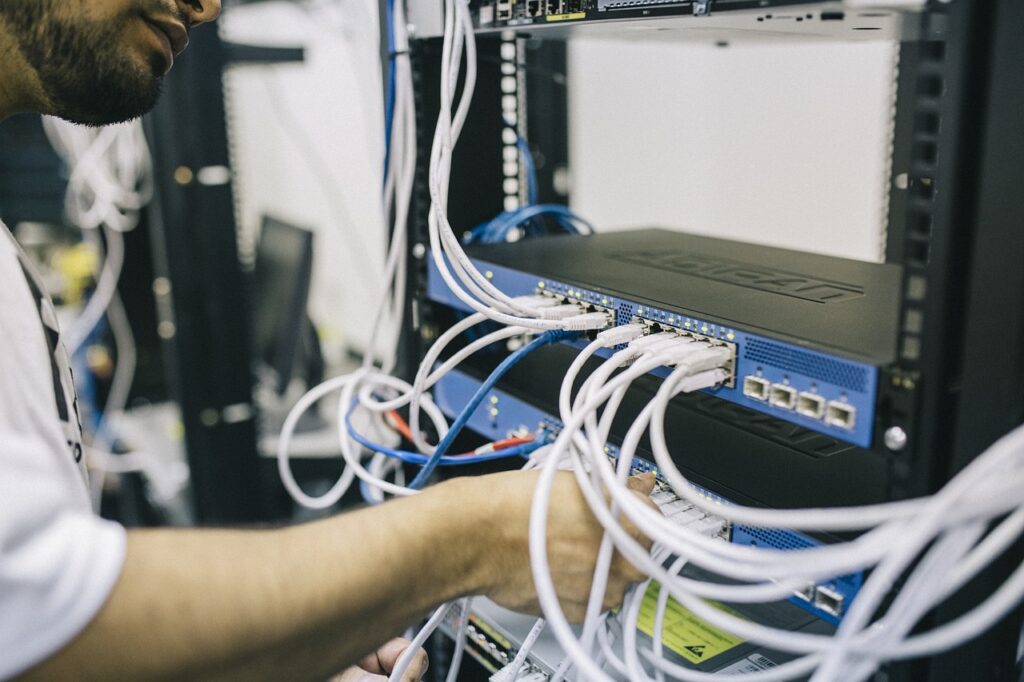
Option 2: Repurposing Second-Hand or eWaste Hardware
For many beginners, this is the cheapest way to get a homelab running. Grab an old laptop, a spare desktop, or even find used enterprise gear on eBay or local recycling centers. Sourcing used hardware from eBay, local marketplaces, or eWaste centers can significantly reduce costs and is environmentally friendly. It’s ideal if you’re budget-conscious or interested in hardware restoration and optimization.
| Pros: | Cons: |
| Very low cost (sometimes free) Environmentally friendly and reduces electronic waste Great learning experience in hardware troubleshooting and optimization |
Unpredictable performance and potential hardware failure Limited or no warranty Higher maintenance and troubleshooting overhead |
Typical Use Cases:
- Budget-sensitive projects
- Experimentation with hardware maintenance and repair
- Learning hardware optimization and upgrades
Estimated Cost: £50 – £400 depending on hardware condition and specs.
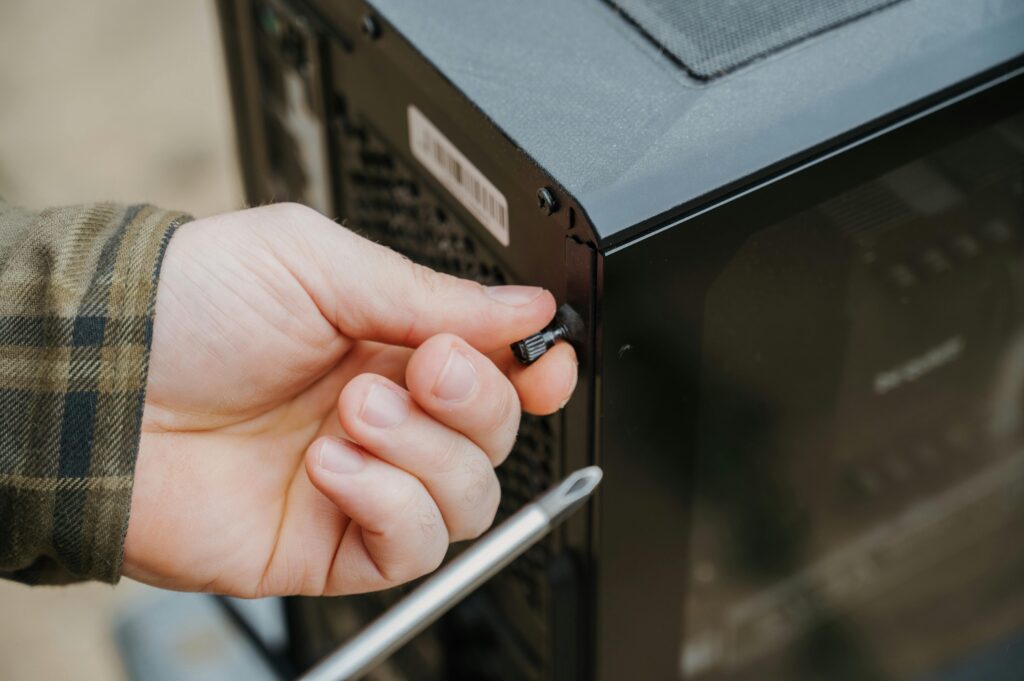
Option 3: Renting from Cloud Providers (Linode, DigitalOcean, AWS)
Cloud providers offer virtual private servers (VPS) on a rental basis, giving you scalable resources without the upfront hardware costs. Ideal for learners who prefer flexibility or don’t want physical hardware management.
| Pros: | Cons: |
| No upfront hardware investment Flexible scaling and upgrades Accessible from anywhere with internet connectivity |
Recurring monthly costs Less control over physical hardware and potential shared resource constraints Latency and connectivity dependent on internet quality |
Typical Use Cases:
- Short-term projects or proof-of-concept environments
- Projects requiring rapid scalability or global accessibility
- Users preferring not to manage physical hardware
Estimated Cost: £5 – £50/month depending on resource needs and provider.
Which Option is Right for You?
Getting started with a homelab doesn’t mean spending thousands or needing a data center at home. It’s about learning by doing—whether that’s installing pfSense on a second-hand mini PC, deploying Nextcloud to a Linode VPS, or setting up your first Nmap scan.
Just pick your path, take the first step, and remember: your homelab is where skills are built.
Choosing between buying, repurposing, or renting depends significantly on your objectives, budget, and learning goals:
- Buy dedicated hardware if: You need stability, long-term use, and predictable performance.
- Repurpose used hardware if: You’re on a tight budget, environmentally conscious, or keen on hardware troubleshooting and upgrades.
- Rent from cloud providers if: You require flexibility, easy scalability, and minimal hardware management.
- 10 Raspberry Pi 5 projects that advance your career
Ultimately, the best choice aligns with your personal goals, budget, and comfort with hardware management.
Ready to Dive In?
Below, I’ve curated recommended shopping lists and rental options to help you quickly start building your ideal homelab!
https://www.reddit.com/r/homelab

ReadtheManual Homelab Shopping Lists
I Have Done All Three — Here Is the Honest Comparison
I have bought new hardware, built custom machines from components, rented VPS instances, and used cloud free tiers. My current homelab runs on a mix of refurbished mini PCs and Raspberry Pis, with a VPS for anything that needs to be publicly accessible. I have spent money I did not need to spend, and I have also been surprised by how much you can do for under 200 quid.
What follows is not theory or spec-sheet comparisons. It is what I have actually experienced, what worked, what did not, and what I would recommend if you asked me over a coffee.
Buy (Refurbished) — My Recommendation for Most People
If you are starting your first homelab and want the best balance of cost, reliability, and capability, buy a refurbished ex-corporate mini PC. This is the advice I give everyone, and it is what I wish someone had told me before I spent money on things I did not need.
Why refurbished mini PCs?
- Ex-corporate machines are built to run 24/7 in office environments. They are reliable, quiet, and power-efficient.
- They come with decent CPUs (Intel i5/i7, often 8th or 10th gen), 8-16GB RAM, and SSD storage.
- They are small. A Lenovo ThinkCentre Tiny or Dell OptiPlex Micro sits on a shelf. No server rack required.
- They sip power. 15-35W under load compared to 200-500W for a full tower server. Your electricity bill will thank you.
Specific recommendations:
- Lenovo ThinkCentre M720q/M920q: My top pick. 8th/9th gen i5, upgradeable to 32-64GB RAM, NVMe slot, dual NIC option. Typically 80-150 quid on eBay.
- Dell OptiPlex 3060/5060 Micro: Similar spec, similar price. Slightly less upgradeable but solid and widely available.
- HP EliteDesk 800 G4/G5 Mini: Good build quality, quiet, slightly more expensive but often comes with more RAM.
For around 100-150 quid, you get a machine that will comfortably run Proxmox with 3-5 virtual machines or 15-20 Docker containers. That is enough to run a serious homelab with Nextcloud, a reverse proxy, monitoring, media server, DNS, and more.
What about RAM? 16GB is the minimum I would recommend for virtualisation. 32GB is the sweet spot. RAM is the most common bottleneck in homelabs — everything else is usually fine.
Build — When It Makes Sense (And When It Does Not)
Custom builds get a lot of attention in homelab communities, and there is a good reason — building a machine is a learning experience in itself. But for most people starting out, it is overkill.
When building makes sense:
- You need GPU passthrough. AI/ML workloads, video transcoding with hardware acceleration, or running a dedicated GPU in a VM. Refurbished mini PCs cannot do this.
- You need serious storage. A NAS with 4+ drive bays for a media library or backup server. This is a different use case from a general-purpose homelab node.
- You need ECC RAM or specific hardware. If you are building a storage server (TrueNAS/ZFS), ECC memory matters. Most consumer and refurbished hardware does not support it.
- You want the building experience. Honestly, this is a valid reason. Building a PC from components teaches you about hardware at a level that buying pre-built never will.
When building does NOT make sense:
- Your first homelab. Get something running first. You can always build later when you know what you actually need.
- General-purpose VM hosting. A refurbished mini PC does this better and cheaper than a custom build.
- “Future-proofing.” The hardware you buy today will be outdated in 3-5 years regardless of how much you spend. Buy what you need now, upgrade when you need to.
If you do build, budget 300-600 quid for a solid entry-level build. An older Xeon workstation motherboard, 32-64GB ECC RAM, a decent PSU, and a case with drive bays. Check r/homelab and r/homelabsales for inspiration and deals.
Rent (VPS/Cloud) — The Right Tool for the Right Job
Renting a VPS has a specific place in a homelab setup, and it is not as a replacement for local hardware — it is a complement to it.
When renting makes sense:
- Public-facing services. If you want to host a website, a mail server, or anything that needs a static public IP and good uptime, a VPS is the right call. Running public services from a residential IP is possible but painful (dynamic IP, ISP blocks, port forwarding headaches).
- Learning cloud platforms. If your career goal involves cloud (and increasingly, most infrastructure roles do), using AWS, Azure, or GCP directly is part of the education. Azure’s free tier is a good starting point.
- Remote access gateway. A cheap VPS running WireGuard gives you a secure tunnel back to your homelab from anywhere. This is one of the most useful things you can set up for under 5 quid/month.
When renting does NOT make sense:
- Long-term cost. A 5 quid/month VPS costs 60 quid/year. After two years, you have spent more than a refurbished mini PC costs — and you do not own anything. For services you plan to run indefinitely, local hardware is cheaper.
- Sovereignty and privacy. Your data on a VPS is on someone else’s server. They can access it, law enforcement can subpoena it, and the provider can terminate your account. For personal data, self-hosting on hardware you own is the sovereign choice.
- Performance-intensive workloads. A 5 quid VPS gives you 1 vCPU and 1GB RAM. A 100 quid refurbished mini PC gives you 4-6 cores and 16GB RAM. The economics are clear.
Recommended VPS providers:
- Hetzner: Best value in Europe. Their CX line starts at around 4 EUR/month for 2 vCPU, 4GB RAM. Excellent network, good reputation.
- Linode (Akamai): Solid, well-documented, good community. Nanode at $5/month is enough for a WireGuard gateway or small web server.
- DigitalOcean: Similar to Linode. Good tutorials. Slightly pricier but excellent developer experience.
My Recommendation: The Practical Setup
If you asked me what to buy right now, starting from nothing, here is what I would recommend:
- One refurbished mini PC (100-150 quid). Lenovo ThinkCentre or Dell OptiPlex. 16GB RAM minimum, 256GB SSD. Install Proxmox and start deploying VMs and containers. This is your main homelab node.
- One Raspberry Pi 5 (50-80 quid with case and power supply). Perfect for lightweight, always-on services — Pi-hole for DNS filtering, a monitoring dashboard, a WireGuard endpoint. Low power, silent, and reliable.
- One cheap VPS (4-5 quid/month). For anything public-facing — a personal website, a reverse proxy for external access to your homelab, or just to learn cloud and Linux in a different environment.
Total cost: under 250 quid plus 5 quid/month.
That gets you a genuinely capable homelab that covers virtualisation, containerisation, networking, DNS, monitoring, and public hosting. It is enough to learn everything you need for entry-level infrastructure and cloud roles, and it scales up easily when you are ready to add more.
Do not overthink it. The best homelab is the one you actually build and use. Start small, learn as you go, and expand when you hit a limit — not before.
Frequently Asked Questions
How much does it cost to start a homelab?
You can start for free using cloud credits (Oracle Cloud free tier, Azure free account) or for £35-80 with a Raspberry Pi. A mini PC homelab costs £150-300. A proper rack-mounted setup with 64GB+ RAM starts around £500-800 using refurbished enterprise hardware. Many people start free and scale up as they learn.
Should I buy, build, or rent my first homelab?
Rent (cloud free tiers) if you want zero cost and zero commitment. Buy a Raspberry Pi if you want hands-on hardware experience for under £80. Build from used enterprise gear if you need serious compute power on a budget. Most people start with a Pi or cloud, then invest in hardware once they know what they need.
What is the best first project for a homelab?
Install Docker and deploy Pi-hole (DNS ad blocker) — it takes 30 minutes, immediately improves your home network, and teaches you Docker, DNS, and Linux basics. From there, add a dashboard (Homepage), monitoring (Uptime Kuma), and a reverse proxy (Nginx Proxy Manager).
RTFM Apparel · printed in the UK


ReadTheManual is run, written and curated by Eric Lonsdale.
Eric has over 20 years of professional experience in IT infrastructure, cloud architecture, and cybersecurity, but started with PCs long before that.
He built his first machine from parts bought off tables at the local college campus, hoping they worked. He learned on BBC Micros and Atari units in the early 90s, and has built almost every PC he’s used between 1995 and now.
From helpdesk to infrastructure architect, Eric has worked across enterprise datacentres, Azure environments, and security operations. He’s managed teams, trained engineers, and spent two decades solving the problems this site teaches you to solve.
ReadTheManual exists because Eric believes the best way to learn IT is to build things, break things, and actually read the manual. Every guide on this site runs on infrastructure he owns and maintains.
Enjoyed this guide?
New articles on Linux, homelab, cloud, and automation every 2 days. No spam, unsubscribe anytime.