Your app is in GitHub. It works in Lovable’s preview. But it’s still “up there” – in someone else’s environment, dependent on their platform.
This post gets the code onto your machine, running locally, ready for you to modify. You’ll understand what the AI actually built, set up a proper development environment, and make the project truly yours.
DevOps Skills Demonstrated
- Local development environment configuration
- Node.js and npm package management
- Git version control workflows
- Modern frontend tooling (Vite, TypeScript)
Market Value: Understanding development workflows is fundamental to DevOps, Platform, and SRE roles at £50-70k+
What You’ll Learn
- Cloning and understanding the codebase
- Setting up local development (Node.js, npm)
- Running the app locally
- Making your first modifications
- Development workflow basics
Why Local Development Matters
The Problem with Cloud-Only
Lovable is great for building. But:
- You’re dependent on their service
- Customization hits limits
- No offline development
- Not learning the actual skills
What Local Development Gives You
- Independence – Works without internet
- Speed – No round-trip to cloud
- Control – Full access to everything
- Learning – You understand what’s happening
- Foundation – Required for Docker, CI/CD, deployment
Prerequisites Setup
Hour 0-1: Install Node.js
Windows:
# Using winget
winget install OpenJS.NodeJS.LTS

# Or download from nodejs.org
macOS:
# Using Homebrew
brew install nodecurl -fsSL https://deb.nodesource.com/setup_20.x | sudo -E bash -
sudo apt-get install -y nodejsVerify installation:
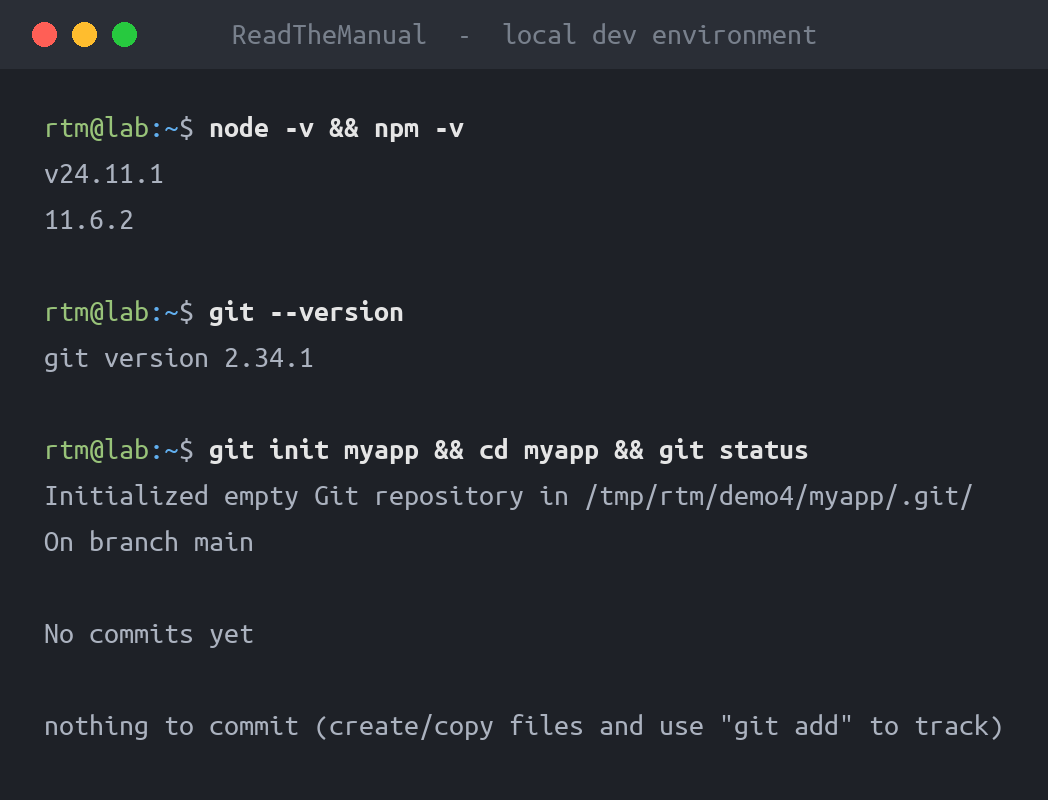
node --version
npm --version
You need Node.js 18+ for modern React/Vite projects.
Hour 1-2: Install Git
Windows:
winget install Git.GitmacOS:
brew install gitLinux:
sudo apt install gitVS Code (Recommended Editor)
VS Code is the industry standard for modern web development.
- Download from code.visualstudio.com
- Install recommended extensions when prompted
Recommended Extensions
- ES7+ React/Redux/React-Native snippets – Code shortcuts
- Tailwind CSS IntelliSense – Autocomplete for styles
- Prettier – Code formatting
- ESLint – Code quality
Clone and Explore
Hour 2-3: Clone Your Repository
# Navigate to where you want the project
cd ~/projects

# Clone your repo
git clone https://github.com/yourusername/your-app-name.git

# Enter the directory
cd your-app-name
Understanding the Project Structure
A typical Lovable/Vite project structure:
your-app-name/
├── src/
│   ├── components/     # UI components
│   │   ├── Button.tsx
│   │   ├── Header.tsx
│   │   └── ...
│   ├── pages/          # Page components
│   ├── hooks/          # Custom React hooks
│   ├── lib/            # Utility functions
│   ├── App.tsx         # Main app component
│   ├── main.tsx        # Entry point
│   └── index.css       # Global styles
├── public/             # Static assets
├── package.json        # Dependencies and scripts
├── tsconfig.json       # TypeScript config
├── vite.config.ts      # Vite bundler config
├── tailwind.config.js  # Tailwind CSS config
└── README.md
Understanding the Code
package.json – The Manifest
Open package.json. This tells you everything about the project:
{
  "name": "your-app-name",
  "scripts": {
    "dev": "vite",           // Run development server
    "build": "vite build",   // Build for production
    "preview": "vite preview" // Preview production build
  },
  "dependencies": {
    "react": "^18.2.0",      // UI library
    "react-dom": "^18.2.0",
    // ... other dependencies
  },
  "devDependencies": {
    "vite": "^5.0.0",        // Build tool
    "typescript": "^5.0.0",   // Type checking
    // ... other dev tools
  }
}
The Entry Point
src/main.tsx is where the app starts:
import React from 'react'
import ReactDOM from 'react-dom/client'
import App from './App.tsx'
import './index.css'

ReactDOM.createRoot(document.getElementById('root')!).render(
  <React.StrictMode>
    <App />
  </React.StrictMode>,
)
The Main Component
src/App.tsx is your application:
function App() {
  return (
    <div>
      {/* Your app content */}
    </div>
  )
}

export default App
You don’t need to understand every line. Just know where things are.
Running Locally
Hour 3-4: Install Dependencies
First, install all the packages the project needs:
npm installThis reads package.json and downloads everything into node_modules/.
Note: node_modules/ is huge and should never be committed to Git. It’s in .gitignore by default.
Start Development Server
npm run devYou’ll see:
  VITE v5.0.0  ready in 500 ms

  ➜  Local:   http://localhost:5173/
  ➜  Network: http://192.168.1.100:5173/
Open http://localhost:5173 in your browser. Your app is running locally.
Hot Reload
While the dev server is running:
- Edit any file in
src/ - Save
- Browser updates automatically
No manual refresh needed. This is hot module replacement (HMR).
Real Example: Making Your First Changes
Simple text change:
- Find a visible text string in your app
- Search for it in VS Code (
Ctrl+Shift+F) - Change it
- Save
- Watch it update in browser
Congratulations. You’re developing.
Add a feature – Reset button example:
Say your app shows a score. Add a reset button:
- Find the component that displays the score
- Add a button:
<button
  onClick={() => setScore(0)}
  className="px-4 py-2 bg-red-500 text-white rounded"
>
  Reset Score
</button>
Save and test. The button appears and works.
Understanding Components
React apps are built from components. Each .tsx file in components/ is a reusable piece:
// src/components/ScoreDisplay.tsx
interface ScoreDisplayProps {
  score: number;
}

function ScoreDisplay({ score }: ScoreDisplayProps) {
  return (
    <div className="text-2xl font-bold">
      Score: {score}
    </div>
  );
}

export default ScoreDisplay;
Components receive data via props and render UI.
Development Workflow
The Cycle
- Code – Make changes in VS Code
- Save – Hot reload shows changes
- Test – Click around, verify it works
- Commit – Save your progress in Git
Git Basics
# See what changed
git status

# Stage changes
git add .

# Commit with message
git commit -m "Add reset score button"

# Push to GitHub
git push
When to Commit
- After completing a feature
- Before trying something experimental
- End of coding session
- Anytime you have working code
Small, frequent commits are better than large, infrequent ones.
Useful VS Code Shortcuts
| Action | Windows | Mac |
|---|---|---|
| Search files | Ctrl+P | Cmd+P |
| Search in files | Ctrl+Shift+F | Cmd+Shift+F |
| Go to definition | F12 | F12 |
| Format document | Shift+Alt+F | Shift+Option+F |
| Toggle terminal | Ctrl+` | Cmd+` |
Common Issues and Fixes
“npm install” Fails:
- Check Node version:
node --version(need 18+) - Clear npm cache:
npm cache clean --force - Delete node_modules and retry:
rm -rf node_modules && npm install
Port Already in Use:
- Find what’s using port 5173:
lsof -i :5173 - Or use a different port:
npm run dev -- --port 3000
TypeScript Errors:
- They might be warnings, not errors
- The app may still run
- Fix them as you learn, don’t panic
“Module not found”:
- Reinstall dependencies:
rm -rf node_modules && npm install
What You’ve Accomplished
You now have:
- Local development environment – No cloud dependency
- Understanding of project structure – Know where things are
- Running development server – Hot reload workflow
- Ability to modify code – Make changes, see results
- Git workflow – Version control your changes
The app that existed only in Lovable’s cloud is now:
- On your machine
- Under your control
- Ready for the next steps
How to Talk About This in Interviews
On your resume:
- “Local development environment setup and configuration”
- “Node.js and npm package management”
- “Git version control and GitHub workflows”
In interviews:
“I understand the full development workflow – from cloning a repository, setting up dependencies, to running local development servers with hot reload. I can work with modern tooling like Vite and TypeScript, and I maintain clean Git history with meaningful commits.”
The Journey So Far
- Step 1: Built app with AI tools
- Step 2: Set up local development environment (You are here)
- Step 3: Containerize with Docker
- Step 4: Push to private registry
- Step 5: Automate with CI/CD
- Step 6: Deploy to your infrastructure
Practical Exercise
Today:
- Clone your repo from GitHub
- Run
npm install - Run
npm run dev - Make three small changes
- Commit and push
Verification:
- App runs at localhost:5173
- Changes reflect immediately
- Commits appear in GitHub
Building in the cloud is fast. Owning your development environment is freedom.

ReadTheManual is run, written and curated by Eric Lonsdale.
Eric has over 20 years of professional experience in IT infrastructure, cloud architecture, and cybersecurity, but started with PCs long before that.
He built his first machine from parts bought off tables at the local college campus, hoping they worked. He learned on BBC Micros and Atari units in the early 90s, and has built almost every PC he’s used between 1995 and now.
From helpdesk to infrastructure architect, Eric has worked across enterprise datacentres, Azure environments, and security operations. He’s managed teams, trained engineers, and spent two decades solving the problems this site teaches you to solve.
ReadTheManual exists because Eric believes the best way to learn IT is to build things, break things, and actually read the manual. Every guide on this site runs on infrastructure he owns and maintains.
Enjoyed this guide?
New articles on Linux, homelab, cloud, and automation every 2 days. No spam, unsubscribe anytime.