
The hosting landscape has fundamentally changed in the last three years. If you last looked in 2022, you probably still think the choice is “shared hosting for a tenner a month, or a VPS if you’re technical.” In 2026 there are four realistic ways to put a website on the public internet, and the right one for you depends less on your technical level than people think.
This post compares the four options with real costs, real trade-offs, and a clear recommendation for each type of reader. No affiliate fluff, no “we tested 147 providers so you don’t have to.” Just the four routes a practitioner actually uses in 2026, and when each one is the right call.

The four realistic options in 2026
- Shared hosting (cPanel, managed WordPress, that sort of thing)
- VPS (a cloud virtual machine you rent and administer)
- Homelab plus tunnel (a server in your house, exposed via Cloudflare Tunnel or similar)
- Static / serverless hosts (Cloudflare Pages, Netlify, Vercel, GitHub Pages)
A decade ago options 3 and 4 didn’t exist for most people in any serious form. Today they’re often the best answer, and the old defaults are often the worst. The landscape really has flipped.
Option 1: Shared hosting
What it is: a big provider, typically Hostinger, SiteGround, Bluehost, or similar, sells you a slice of a server they manage. You get a control panel, one-click WordPress, email hosting, and some storage. You pay per month or per year. The provider handles OS, security patches, backups (sometimes) and the stack underneath.
Real cost in 2026: £2 to £15 per month for a usable plan. Introductory offers are cheap, renewals are usually 2-3x the sign-up rate. Budget £100 to £180 a year if you plan to actually keep it.
What it teaches you: very little. Shared hosting is deliberately abstracted so you never touch a Linux command line. That’s a feature for non-technical users and a bug for anyone trying to build infrastructure skills.
When to pick it:
- You’re running a WordPress blog for a small business and never want to think about servers
- You need managed email on your domain alongside the site, without running your own mail server
- Your client is the kind of business that will outlive you and you want zero operational risk
When to avoid it: if you’re technical, if you want to learn, if you’re running anything more interesting than a brochure site, or if you care about where your data lives.
Option 2: VPS

What it is: a virtual machine in a data centre that you root and administer yourself. Hetzner, DigitalOcean, Linode (now Akamai), Vultr, OVH, and dozens of others rent them by the hour or the month. You get a public IP, an OS install of your choice, and full control. Everything above the OS is your problem.
Real cost in 2026:
- Hetzner: from about £3.50 a month for a single-core ARM VPS with 4GB RAM, €4-7 a month for x86 equivalents. Genuinely absurd value in Europe.
- DigitalOcean / Linode / Vultr: from about £5 a month for entry-tier VMs, £12+ for anything with real headroom.
- OVH: variable, often cheaper for dedicated cores, watch out for network ingress limits.
Budget: £45 to £150 a year for a single VPS that will happily host a dozen small sites.
What it teaches you: everything. Linux administration, firewalls, TLS, DNS, nginx or Caddy, Docker, systemd, backups, logs, system hardening. A year of running a VPS properly is worth more than most IT certifications for infrastructure skills.
When to pick it:
- You want to learn Linux properly
- You’re running multiple sites, applications or services
- You want a static public IP without residential ISP drama
- You need a stable base for email, mail relay, or anything requiring reliable uptime
When to avoid it: if you don’t want to learn the OS layer, if you’re not going to keep it patched, if the thought of running a firewall yourself makes you sweat.
Option 3: Homelab plus tunnel
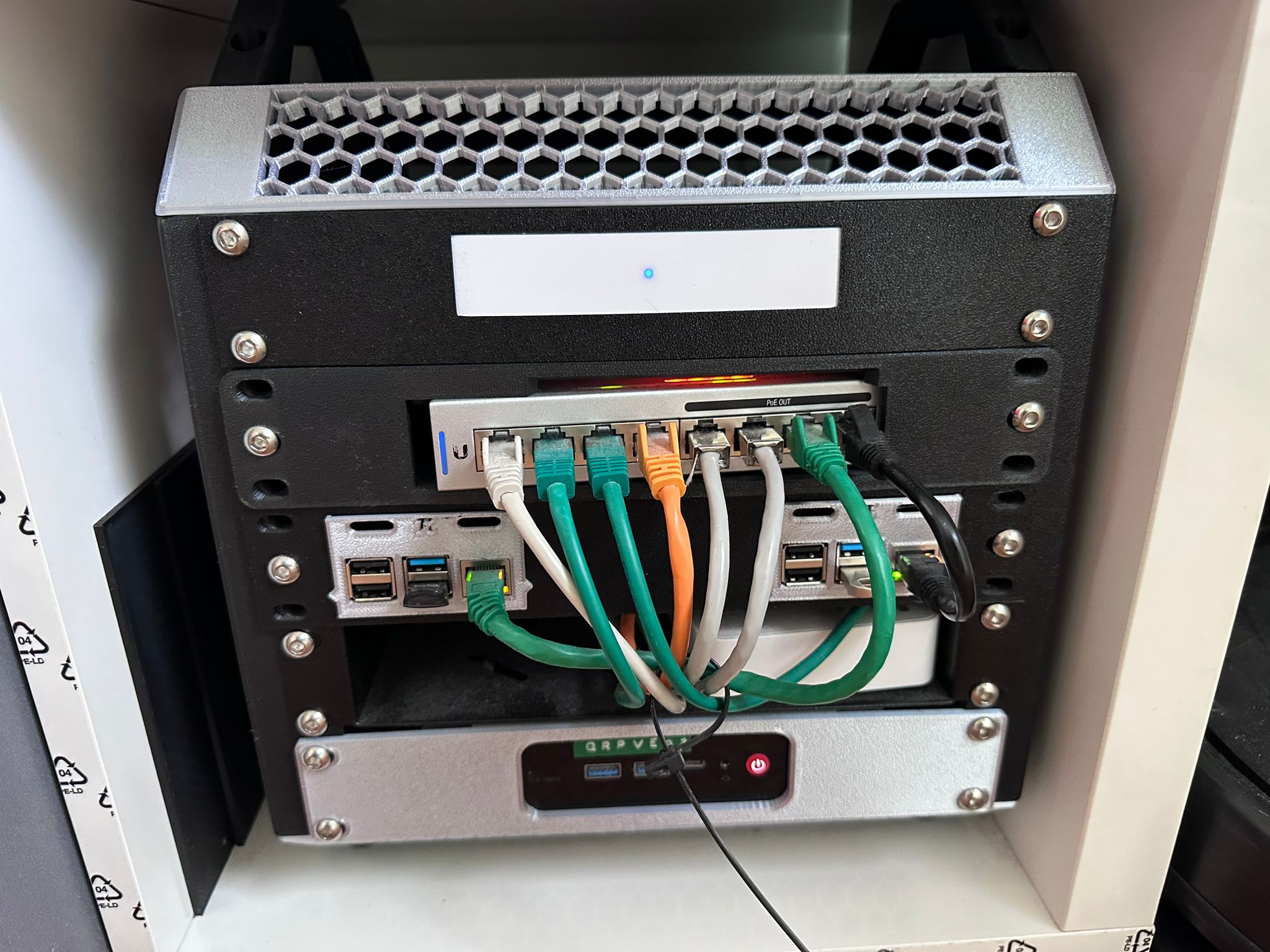
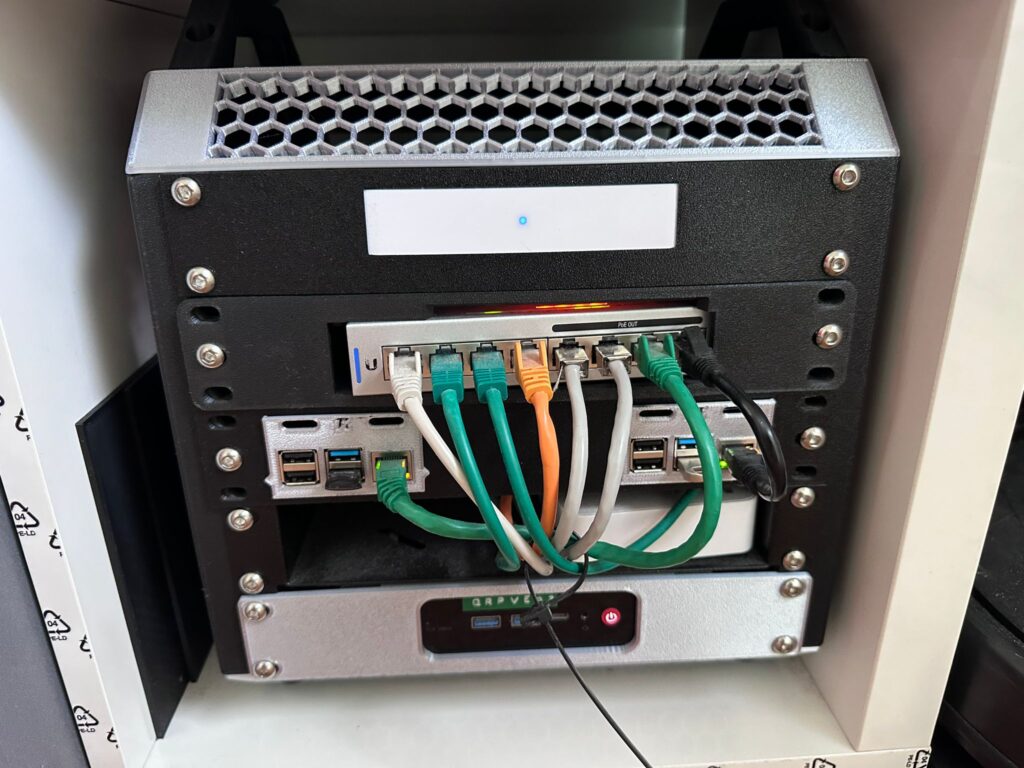
What it is: run the server on hardware you own, at home, and expose it to the internet through a Cloudflare Tunnel (or Tailscale Funnel, or similar). No port forwarding, no static IP, no residential ISP shenanigans. The server sits on your network, the tunnel handles the public half.
Real cost in 2026:
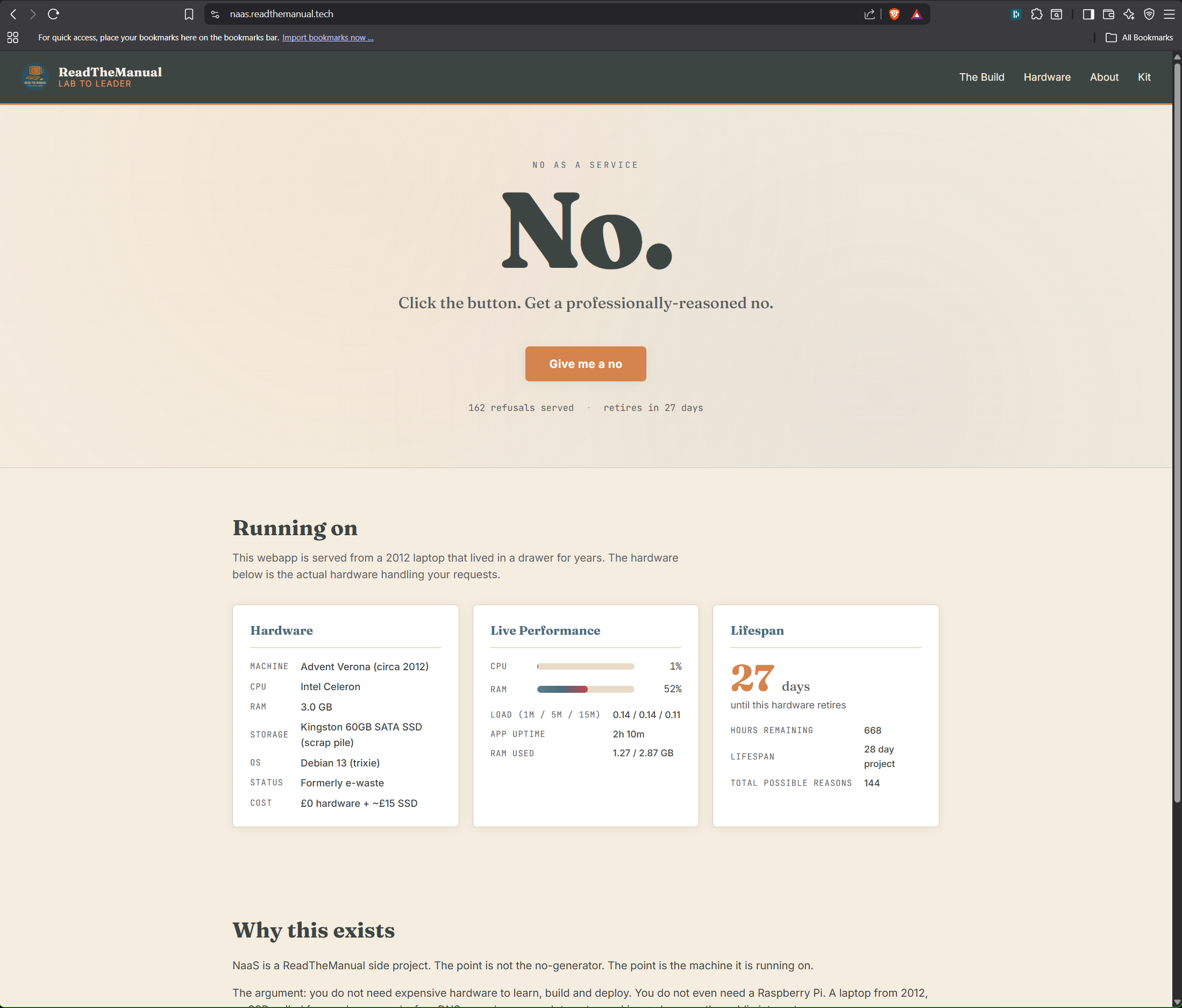
- Hardware: £0 to £100 one-off. A Raspberry Pi 5 is a fine starting point at about £75 for the board plus accessories. An old laptop from a drawer is £0. A used mini-PC from eBay is £30 to £80.
- Cloudflare Tunnel: free at the hobbyist tier. Yes, really.
- Domain: £8 to £15 a year.
- Electricity: a Pi 5 at idle draws 3-5 watts, roughly £5-£10 a year at UK 2026 rates. Even a full mini-PC is about £20-£30 a year.
Year-one cost, absolute worst case buying everything new: about £100. Year two onward: about £30. A fully-public website for less than a single month of shared hosting, recurring.
What it teaches you: more than the VPS path, because you’re also learning networking, hardware, and the full cycle of “physical box to public URL.” This is the route that builds interview-grade practitioner skills fastest.
I walk through exactly this setup, on a 2010 laptop that cost nothing, in my homelab from e-waste build guide. The Cloudflare Tunnel setup is a separate post because the pattern is useful on its own.
When to pick it:
- You want the cheapest long-term cost by a wide margin
- You want the highest learning curve, in a good way
- You care about data residency and sovereignty
- You’re running anything that benefits from local resources (NAS, home automation, media, large files)
- You enjoy building things
When to avoid it:
- You have frequent power cuts or unstable internet at home
- You need uptime SLAs for a business
- You’re not willing to do five minutes of maintenance a month
For personal sites, side projects, portfolios, blogs, dashboards, and most things you’re publishing out of curiosity rather than commercial necessity, this is the right answer in 2026. It wasn’t in 2020. The tunnel primitive is what changed.
Option 4: Static and serverless hosts
What it is: you don’t rent a server at all. You push a git repository and a provider builds, deploys and globally distributes a static site or serverless function. Cloudflare Pages, Netlify, Vercel, GitHub Pages, Render, Fly.io on the edges of this category.
Real cost in 2026: free for most use cases. Paid tiers start around £15 to £20 a month and usually aren’t needed unless you’re doing real traffic volume or commercial workloads.
What it teaches you: git, build pipelines, static site generators, deployment workflows, CDN behaviour. Very modern skills, very employable, but narrower than the VPS or homelab paths. You don’t learn Linux administration, because there’s nothing to administer.
When to pick it:
- The site is static, or mostly static (Markdown-based blog, documentation, portfolio, marketing site)
- You want a CDN-backed global edge for free
- You don’t want to run any infrastructure at all
- You’re comfortable with a git-push-to-deploy workflow
When to avoid it:
- The site needs a database with arbitrary queries
- You need long-running processes, background workers or WebSockets at scale
- You want to be able to SSH into your host and fix things
- You’re philosophically uncomfortable with your whole operation living inside a single vendor’s ecosystem
Quick comparison at a glance
| Route | Year-1 cost | Yearly after | Skills built | Lock-in |
|---|---|---|---|---|
| Shared hosting | £100-180 | £100-180 | Low | Medium |
| VPS | £45-150 | £45-150 | High | Low |
| Homelab + tunnel | £0-100 | £10-30 | Highest | Very low |
| Static / serverless | £0 | £0 | Medium | High |
The sovereignty argument
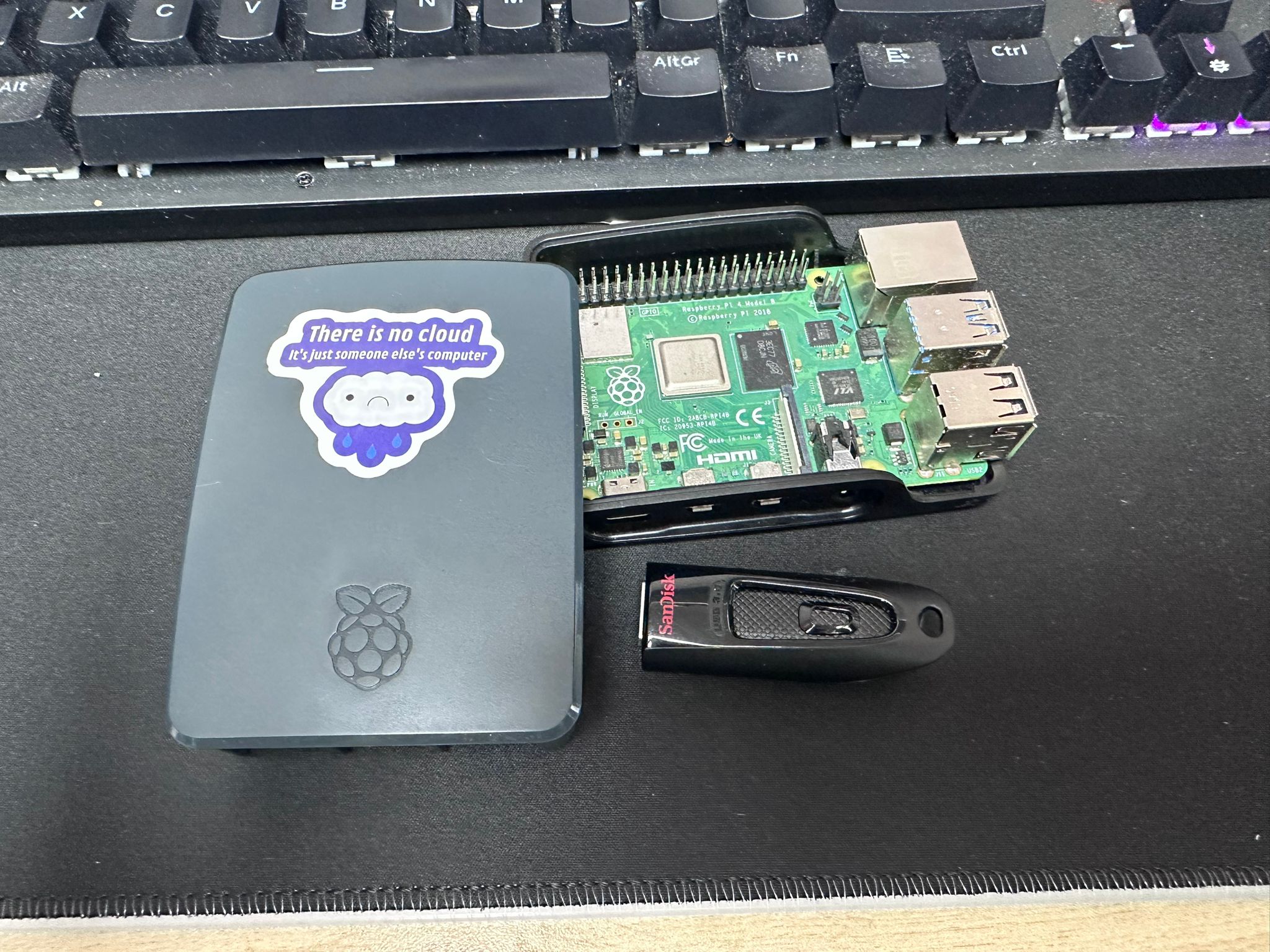
One axis the cost comparison doesn’t capture is who owns what. Shared hosts own your environment. Serverless platforms own your deploy pipeline and your runtime. A VPS provider owns the hypervisor but at least you own the OS and data inside your VM. Your homelab, plus a tunnel to a third-party edge, is the only route where the full stack above the internet connection is under your control.
For most people that distinction doesn’t matter day-to-day. For some of us it matters a lot. If you’ve watched enough platforms enshittify, deplatform, or quietly change the rules under your feet, the case for owning your infrastructure is less about saving money and more about making sure the service you run next year is the same one you run today.
This is the reason I default to the homelab-plus-tunnel pattern for my own projects, and use a VPS when I need something that has to stay up while I’m on holiday. I wrote more about this pattern in the e-waste homelab build, and the practical tunnel piece in the Cloudflare Tunnel setup guide.
Which one should you actually pick
The short version:
- Your mum’s small business wants a brochure site: shared hosting. Boring, reliable, not your problem to operate.
- You want to learn Linux administration and have a couple of hours a week: VPS. Hetzner is the sweet spot for value right now.
- You want to build real infrastructure skills and have space at home: homelab plus tunnel. Start with anything that boots, scale up when it matters.
- You’re publishing a static blog, portfolio or docs site and don’t want to think about servers: Cloudflare Pages or similar.
- You’re running a serious personal project with some complexity: homelab plus tunnel for the main service, with a small VPS as a cheap safety net for anything that absolutely cannot go down.
The mistake people make in 2026 is defaulting to shared hosting because that’s what was right in 2015. The cheaper, more educational, and more flexible options weren’t viable a decade ago. They are now.
What I actually use
For readers who want the honest answer on what sits behind RTM and the rest of the projects:
- The main website runs on a small self-hosted VM in a friendly data-centre-adjacent facility, so traffic goes through a Cloudflare proxy to a box that lives in a real DC and not in my garage.
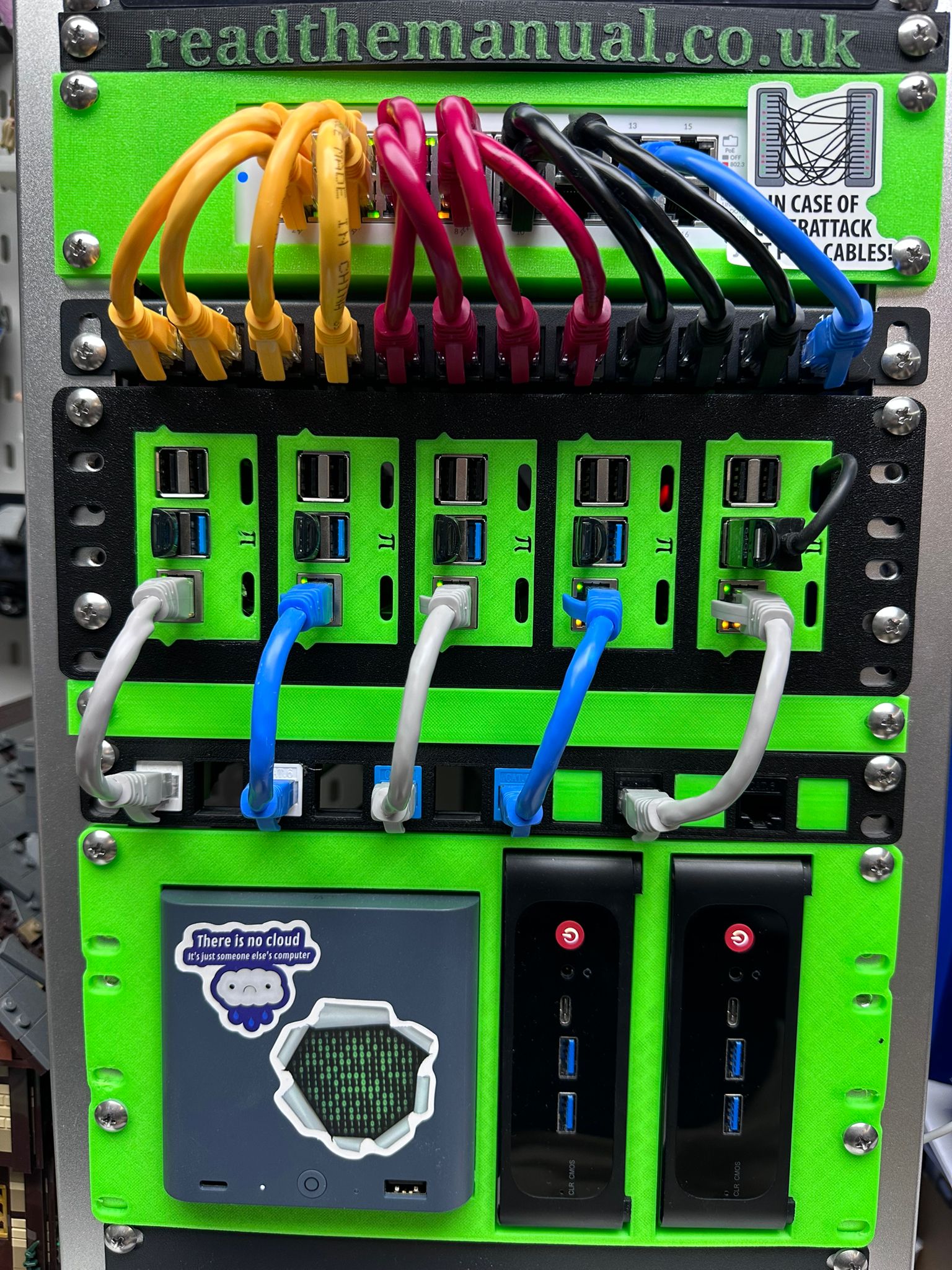
- Several smaller projects, including the NaaS app I built for the e-waste post, run on hardware in the house exposed through Cloudflare Tunnels.
- Static sites (documentation, calculators, niche micro-sites) live on Cloudflare Pages or a similar static host.
- Email runs on a self-hosted Mailcow install, because shared-host email is a worse experience than it needs to be.
The full stack, including the specific domain registrars, hosting providers, tools and software behind every project, lives on the RTM Essential Stack page. Affiliate links where they exist, no paid placements. If it’s not something I pay for or run, it isn’t on the list.
The only wrong answer
The only wrong answer in 2026 is paying £180 a year for shared hosting while secretly wanting to run your own stuff. That combination is the worst of both worlds: too expensive to be casual, too restricted to be educational, and you end up looking at your hosting bill every renewal cycle wondering why you don’t just learn Linux instead.
The learning curve, for any of the other three routes, is shorter than you think. Start cheap, fail fast, keep going.
RTFM Apparel · printed in the UK


ReadTheManual is run, written and curated by Eric Lonsdale.
Eric has over 20 years of professional experience in IT infrastructure, cloud architecture, and cybersecurity, but started with PCs long before that.
He built his first machine from parts bought off tables at the local college campus, hoping they worked. He learned on BBC Micros and Atari units in the early 90s, and has built almost every PC he’s used between 1995 and now.
From helpdesk to infrastructure architect, Eric has worked across enterprise datacentres, Azure environments, and security operations. He’s managed teams, trained engineers, and spent two decades solving the problems this site teaches you to solve.
ReadTheManual exists because Eric believes the best way to learn IT is to build things, break things, and actually read the manual. Every guide on this site runs on infrastructure he owns and maintains.
Enjoyed this guide?
New articles on Linux, homelab, cloud, and automation every 2 days. No spam, unsubscribe anytime.